What is Video to notes
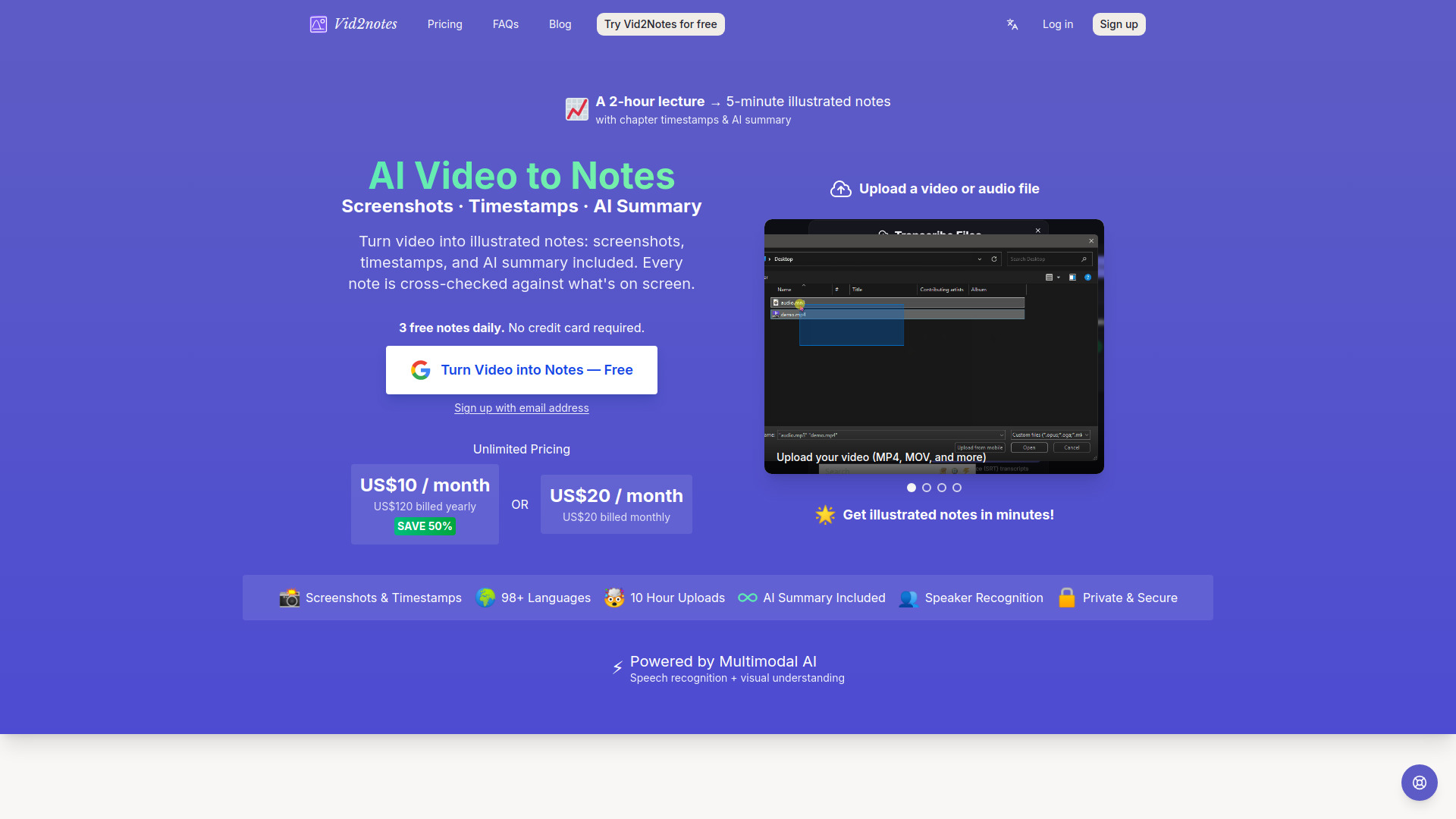
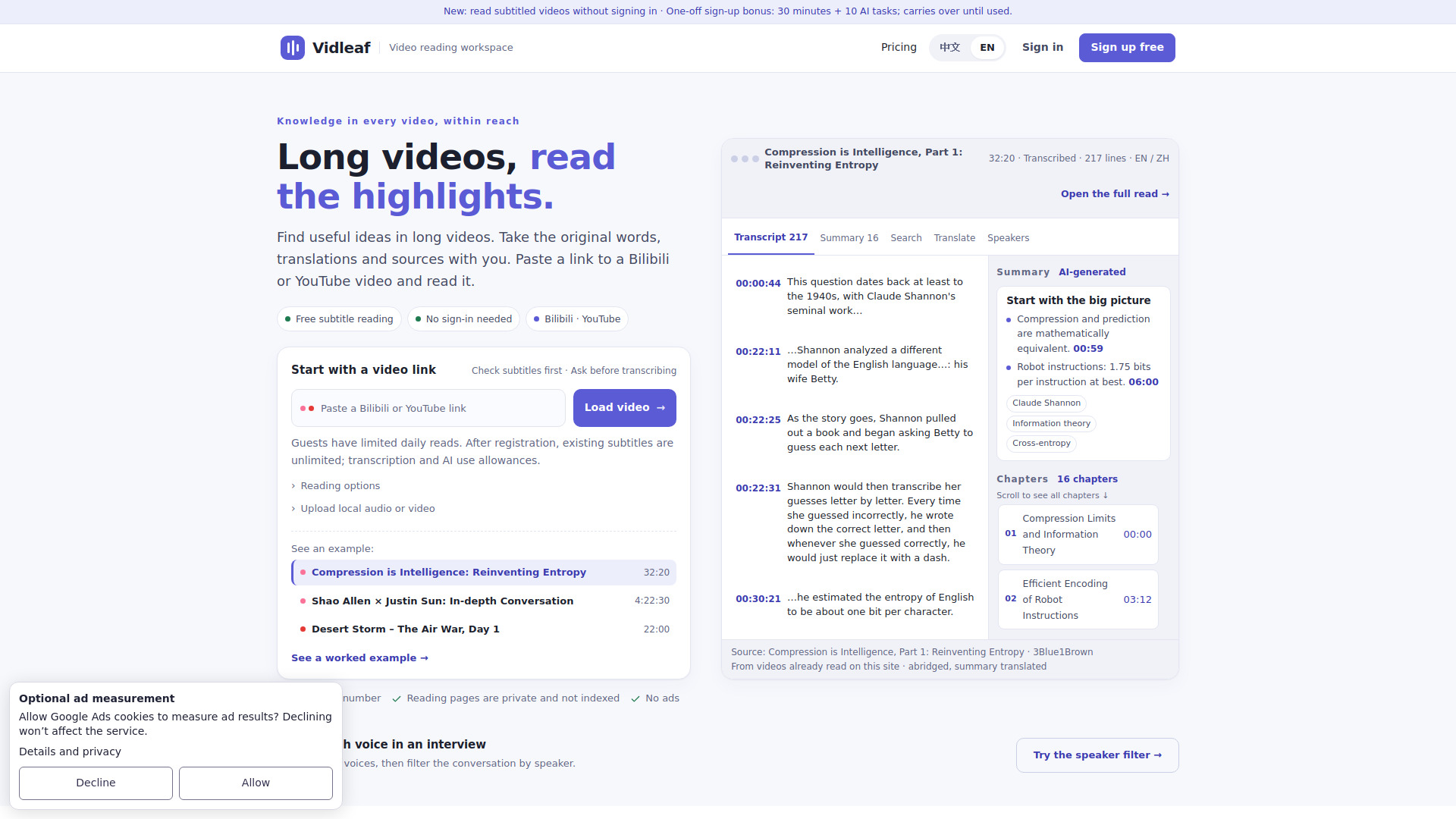
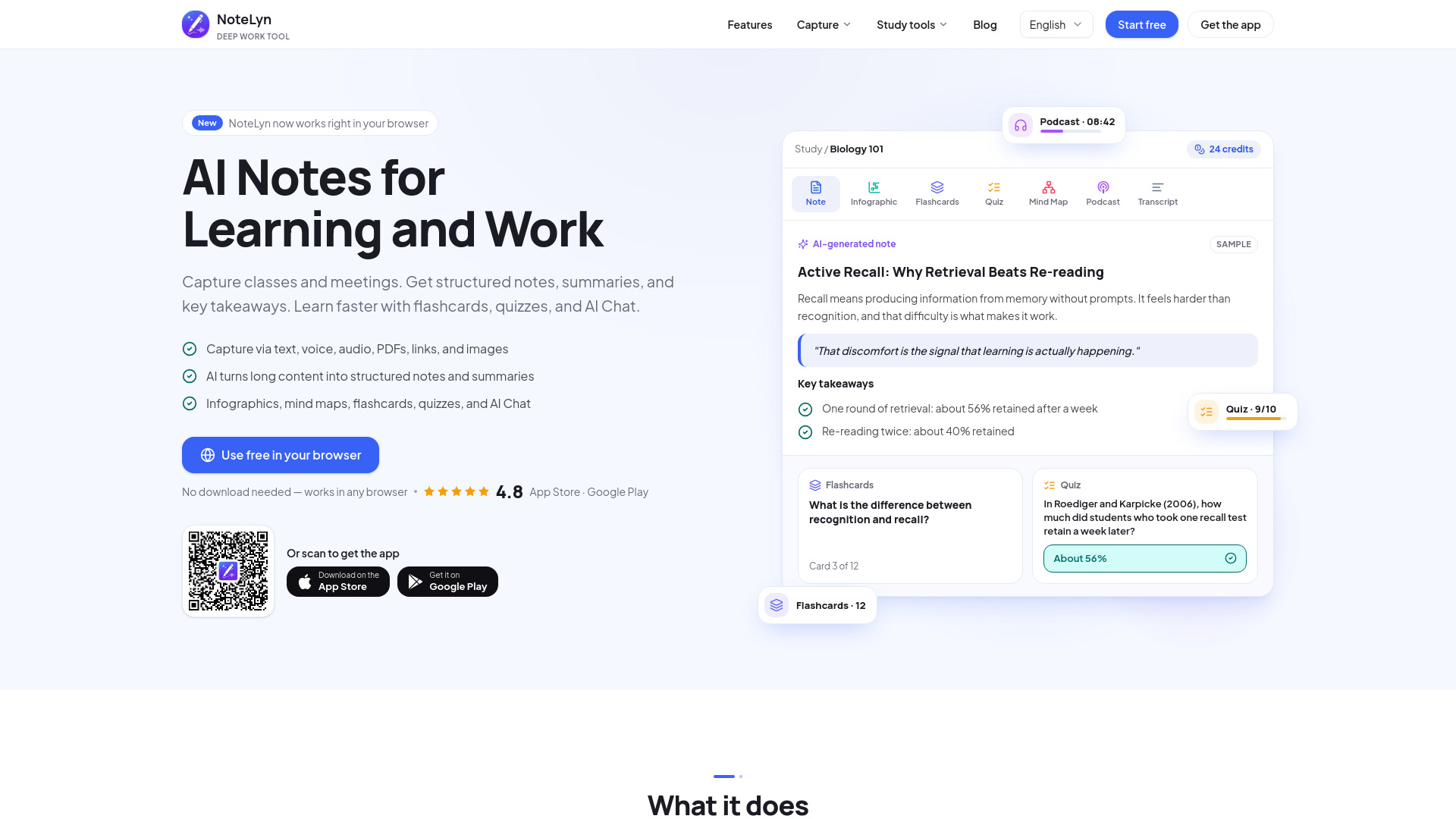
Vid2notes is an AI-powered tool that converts videos and audio files into illustrated notes. It combines speech recognition with visual understanding to capture screenshots and timestamps, producing structured notes with chapters, an AI summary, and speaker recognition. It supports over 98 languages and can handle uploads up to 10 hours long.
How to use Video to notes
- Upload Your File: Drag and drop a video or audio file (MP4, MOV, MP3, etc.) into the upload area. You can upload up to 10 hours of content per file.
- AI Watches and Listens: The AI transcribes the speech, captures key frames as screenshots, and writes a summary.
- Get Your Notes: Receive illustrated notes with timestamps, ready to review, search, and export as Markdown, CSV, or SRT/VTT subtitles.
Features of Video to notes
- Screenshots & Timestamps: Key frames are captured and embedded in the notes.
- AI Summary: A concise summary is generated for each video.
- Speaker Recognition: Identifies different speakers in meetings, interviews, and podcasts.
- 98+ Languages: Supports transcription in a wide range of languages.
- 10 Hour Uploads: Each file can be up to 10 hours long or 5 GB, with up to 50 files at a time.
- Export Options: Download notes as Markdown, CSV, TXT, or subtitles (SRT, VTT).
- Visual + Audio Mode: Uses on-screen visuals (slides, code, diagrams) to improve transcription accuracy.
- Private & Secure: Data is encrypted and only accessible to the user.
- Transcribe to English: Can transcribe speech in any language directly into English.
Use Cases of Video to notes
- Lecture to Notes: Convert recorded lectures into study-ready notes with slides and board content captured as screenshots.
- Screen Recording to Notes: Turn tutorials, walkthroughs, and demos into step-by-step illustrated notes.
- Podcast & Interview Notes: Get full transcripts, speaker labels, and AI summaries for episodes or conversations.
- Meeting Recording Notes: Transform recorded meetings into searchable notes with timestamps for each topic.
- Voice Recording to Notes: Upload voice memos or audio files and receive clean, structured notes.
- Study & Revision Notes: Condense hours of video into revision notes for exam preparation.
Pricing
Vid2notes offers a free tier and an unlimited plan.
- Free Plan: 3 free notes daily, each file up to 30 minutes long, lower priority processing.
- Unlimited Plan: $10 per month (billed yearly at $120) or $20 per month (billed monthly). Includes unlimited transcriptions, 10-hour uploads, all features, and highest priority processing.
FAQ
What file formats are supported?
Video: MP4, MOV, AVI, MKV, FLV, M4V, 3GP, WMV, TS, MPEG, MPG. Audio: MP3, M4A, WAV, OGG, FLAC, AAC, OPUS, WMA.
How long does it take to get notes?
The GPU-powered engine turns hours of video into finished notes in minutes.
Is my data private?
Yes, your data is private and only you have access. Files and transcripts are always stored encrypted.
Can I export the notes?
Yes, you can export notes as Markdown, CSV, TXT, or subtitles (SRT, VTT).
Does it support speaker recognition?
Yes, speaker recognition is available for meetings, interviews, and podcasts.
Can I transcribe videos in other languages?
Yes, it supports 98+ languages and can transcribe speech directly into English if desired.