Newsletter
Join the Community
Subscribe to our newsletter for the latest news and updates

Browser-based AI 3D model generator that turns images into textured, export-ready assets.
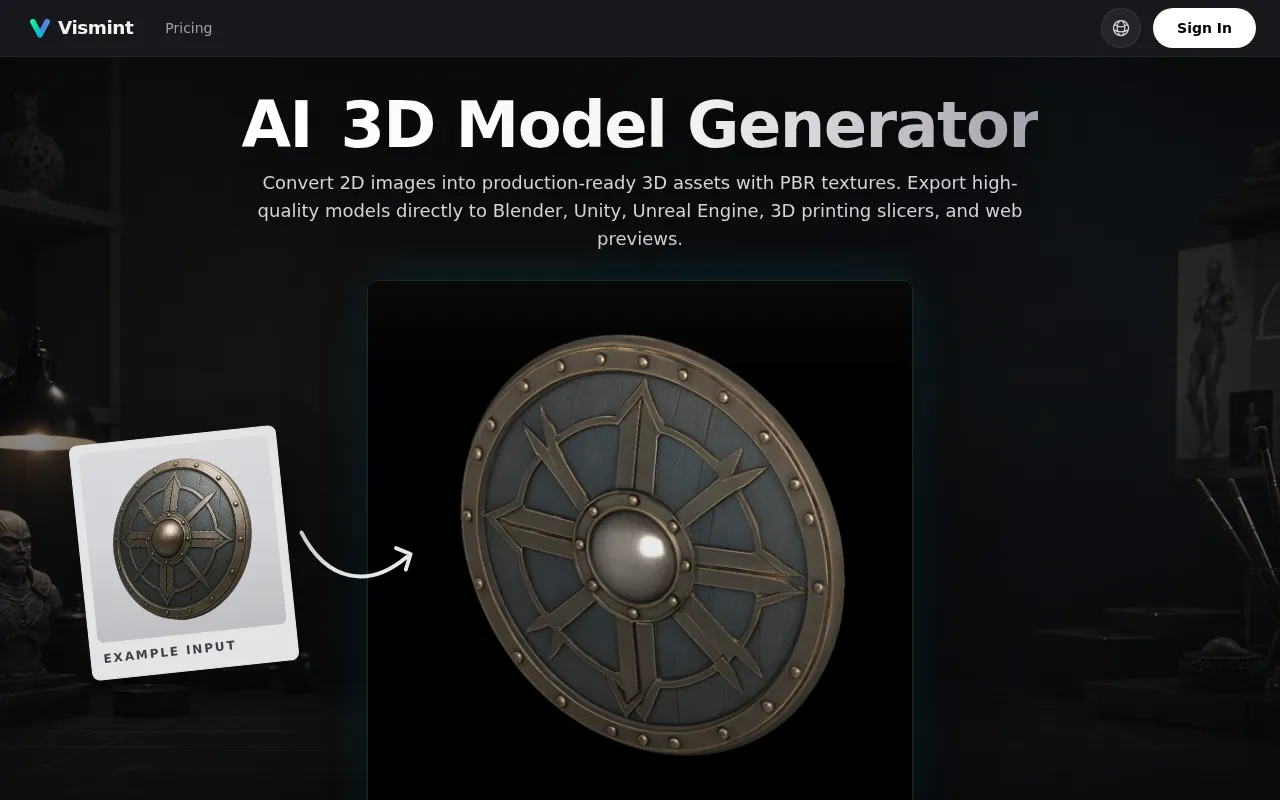
Vismint is a browser-based AI 3D model generator designed for creators, designers, game teams, makers, and product storytellers. It allows users to convert 2D images into production-ready 3D assets with PBR textures.
Vismint operates on a credit system. Users can purchase credit packs. Available packs include:
Credits are valid for up to 1 year. Commercial license is included. Some features may require a Pro subscription.
What is Vismint? Vismint is a browser-based AI 3D model generator for creators, designers, game teams, makers, and product storytellers. It supports image-to-3D generation, textured assets, model previews, and export from one online studio.
How do I create a 3D model with AI? Upload a clear image, choose a supported AI 3D model, generate the asset, preview the result, then export it as a 3D file such as GLB. For printing, you can prepare the result for STL use.
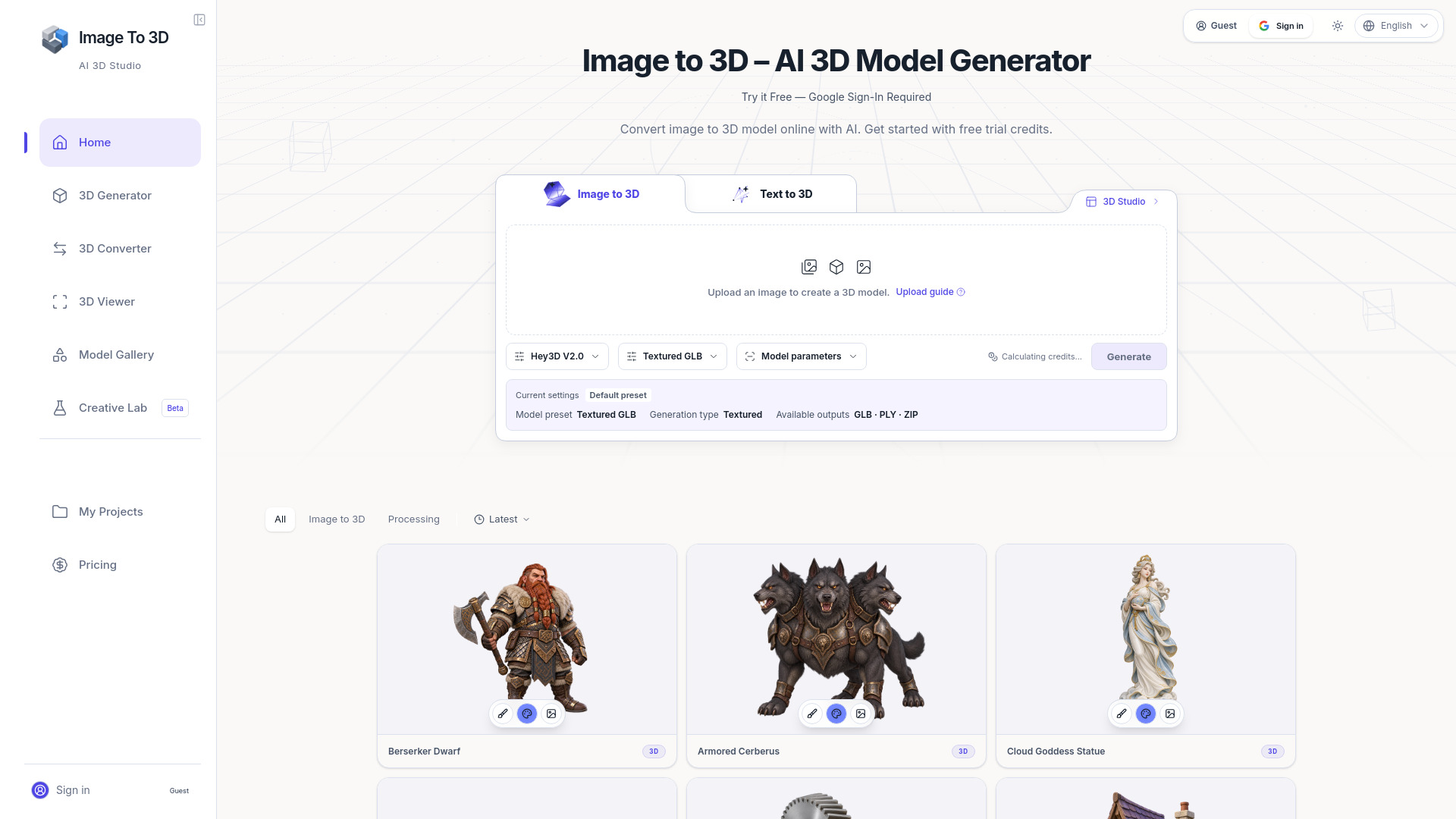
Can Vismint convert an image to a 3D model? Yes. Vismint can turn product photos, concept art, sketches, and clean reference images into AI-generated 3D models. Single-subject images with clear lighting and visible shape usually produce the best results.
Does Vismint support text to 3D? Yes. As an AI 3D generation studio, Vismint supports both Text-to-3D and Image-to-3D. Text prompts are perfect for early-stage brainstorming and idea exploration, while Image-to-3D provides more precise control over shapes, structures, and stylistic details.
What 3D formats can I export? Vismint uses GLB (glTF) as a strong default for textured 3D assets and interactive previews. Depending on the model and export path, you can also prepare assets for STL, OBJ, FBX, PLY, or USDZ needs.
Should I use GLB or STL? Use GLB when you need a textured, shareable, interactive 3D asset for Blender, Unity, Unreal Engine, Three.js, or web previews. Use STL when your goal is 3D printing, slicing, or geometry-first fabrication.
What is the difference between geometry and textured generation? Geometry-first generation focuses on shape, silhouette, and mesh structure. Textured generation adds surface color and material detail, which is better for visual previews, game prototypes, ecommerce, animation, and presentation renders.
What images work best for AI image to 3D generation? Clear single-subject images with good lighting, visible shape, and minimal background clutter usually produce the best 3D results. Avoid heavily cropped subjects, reflective objects, transparent materials, and busy backgrounds when possible.
What 3D model engines does Vismint use? Vismint integrates and evaluates multiple advanced AI 3D generation models, including Trellis-style and Hunyuan-style generation. The goal is to give creators reliable shape, texture quality, and export results without forcing them to compare model names first.
Can I use AI-generated 3D assets for commercial projects? Yes. Commercial use is available for paid users, subject to the Terms of Service and the rights you have for any uploaded input images or reference material.
How long does AI 3D model generation take? Generation time depends on the model, texture settings, queue load, and output complexity. Many image-to-3D jobs finish in minutes, while higher-quality textured results or advanced settings may take longer.
How does the Credit System work? Vismint uses a universal Credit System. You purchase credits once and can use them across available generation features on the platform. Different tasks may cost different amounts of credits based on their computational complexity.
Is Vismint only for professional 3D artists? No. Vismint is useful for non-technical creators who need a fast 3D starting point, while still giving professionals exportable assets they can refine in Blender, Unity, Unreal Engine, slicers, or other tools.