What is VS Code
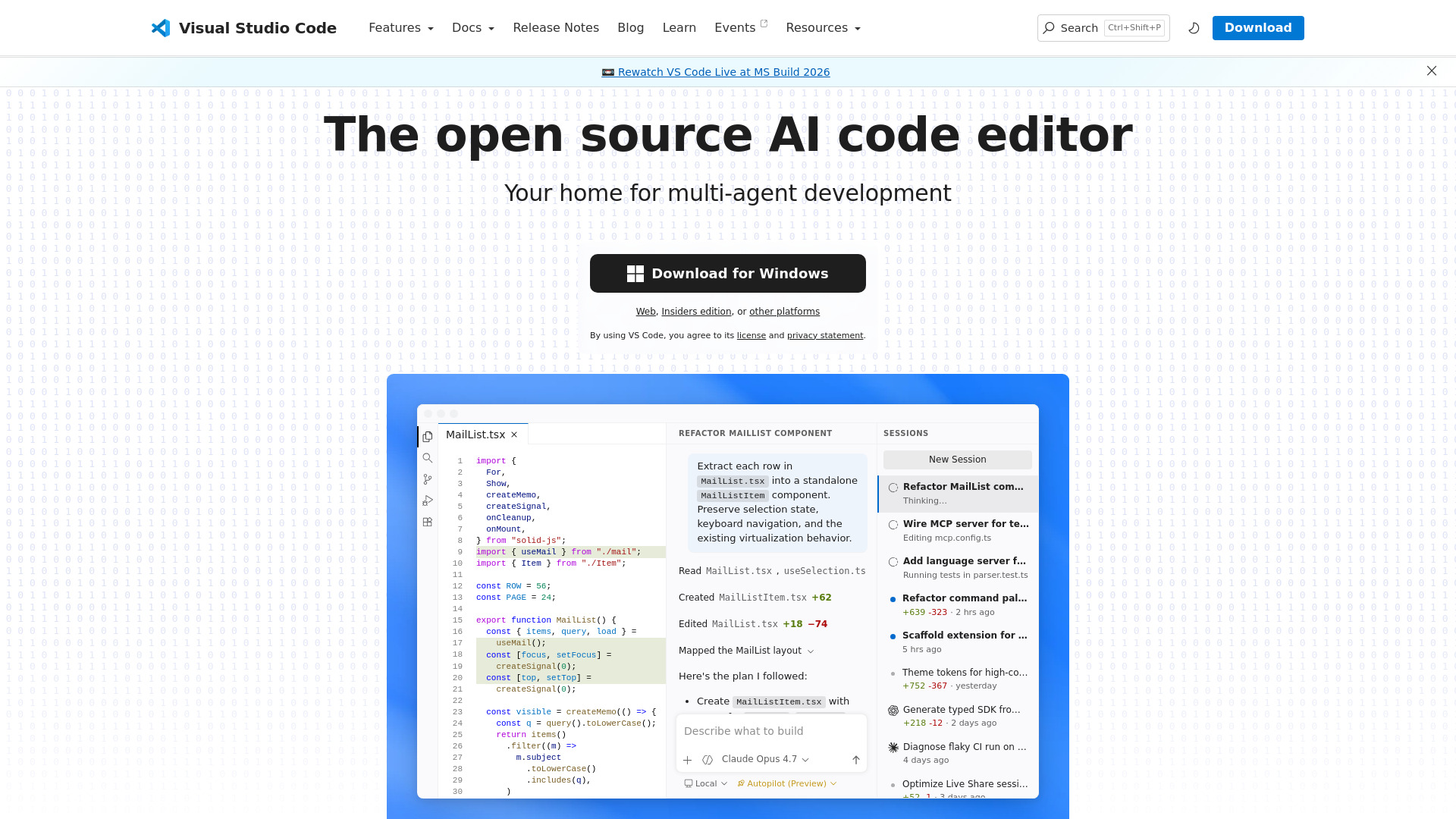
Visual Studio Code is a free, open source AI code editor. It is designed for building, debugging, and managing software projects. It supports multi-agent development, allowing AI agents to plan, code, and debug for you. It is available on Linux, macOS, and Windows.
How to use VS Code
To use VS Code, you can download it for your operating system (macOS, Windows, or Linux) from the official website. After installation, you can open it and start coding. You can also use the web version for quick edits. The editor provides a user-friendly interface with features like a sidebar, activity bar, and editor area. You can manage your projects, use extensions, and leverage AI agents for development tasks.
Features of VS Code
- AI Code Editor: Built with AI agents that can plan, code, and debug for you.
- Multi-agent Development: Manage multi-agent workflows across different environments.
- Cross-platform: Available on Linux, macOS, and Windows.
- Open Source: Free to use and modify.
- Extensions: Access a marketplace for extensions to enhance functionality.
- Integrated Terminal: Use terminal commands directly within the editor.
- Source Control: Built-in support for version control systems.
- Debugging: Tools to debug your code efficiently.
Use Cases of VS Code
- Software Development: Write, edit, and debug code for various programming languages.
- Web Development: Build and manage web applications with support for HTML, CSS, and JavaScript.
- AI-assisted Coding: Use AI agents to automate coding tasks and refactoring.
- Multi-agent Workflows: Coordinate multiple AI agents for complex development tasks.
- Learning and Education: Use it as a learning tool for programming.
Pricing
VS Code is free to use. It is open source, so there are no licensing fees. Some extensions or services may have their own pricing, but the core editor is free.
FAQ
Is VS Code free? Yes, VS Code is free and open source.
What platforms does VS Code support? VS Code is available for Linux, macOS, and Windows.
Can I use VS Code for web development? Yes, VS Code supports web development with features like HTML, CSS, and JavaScript editing.
Does VS Code have AI capabilities? Yes, VS Code includes AI agents that can help with planning, coding, and debugging.
Can I extend VS Code? Yes, you can install extensions from the marketplace to add functionality.