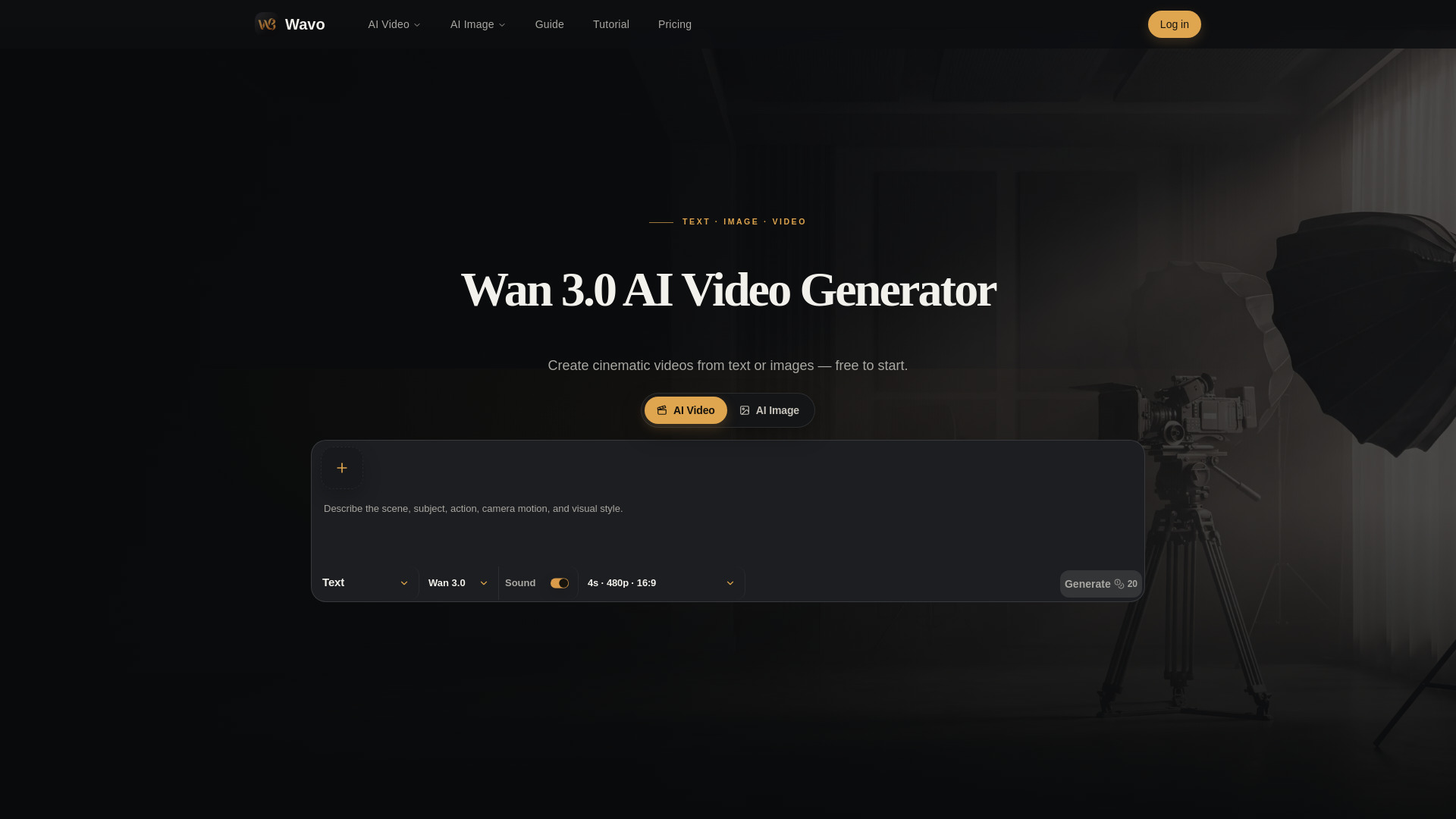
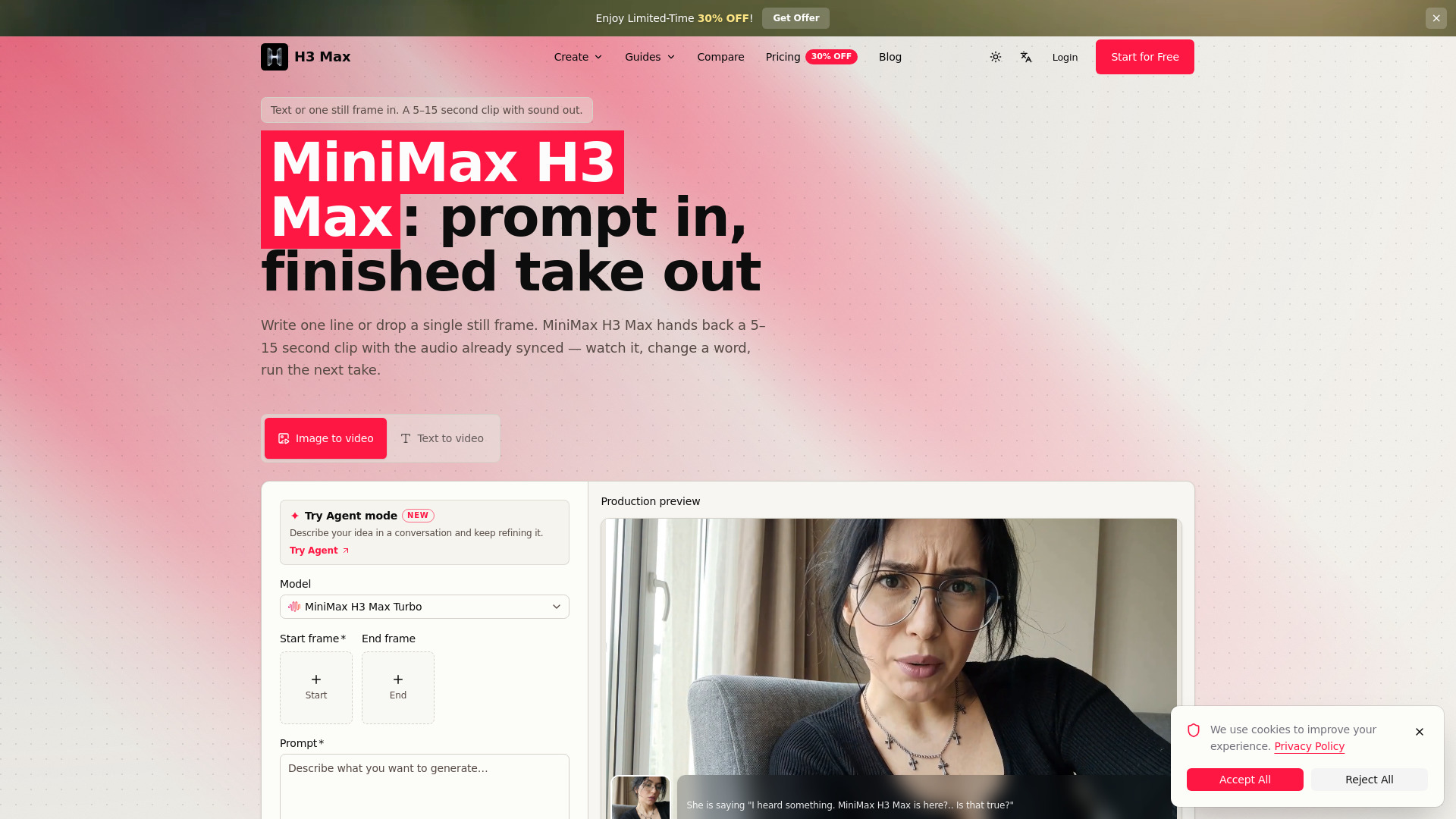
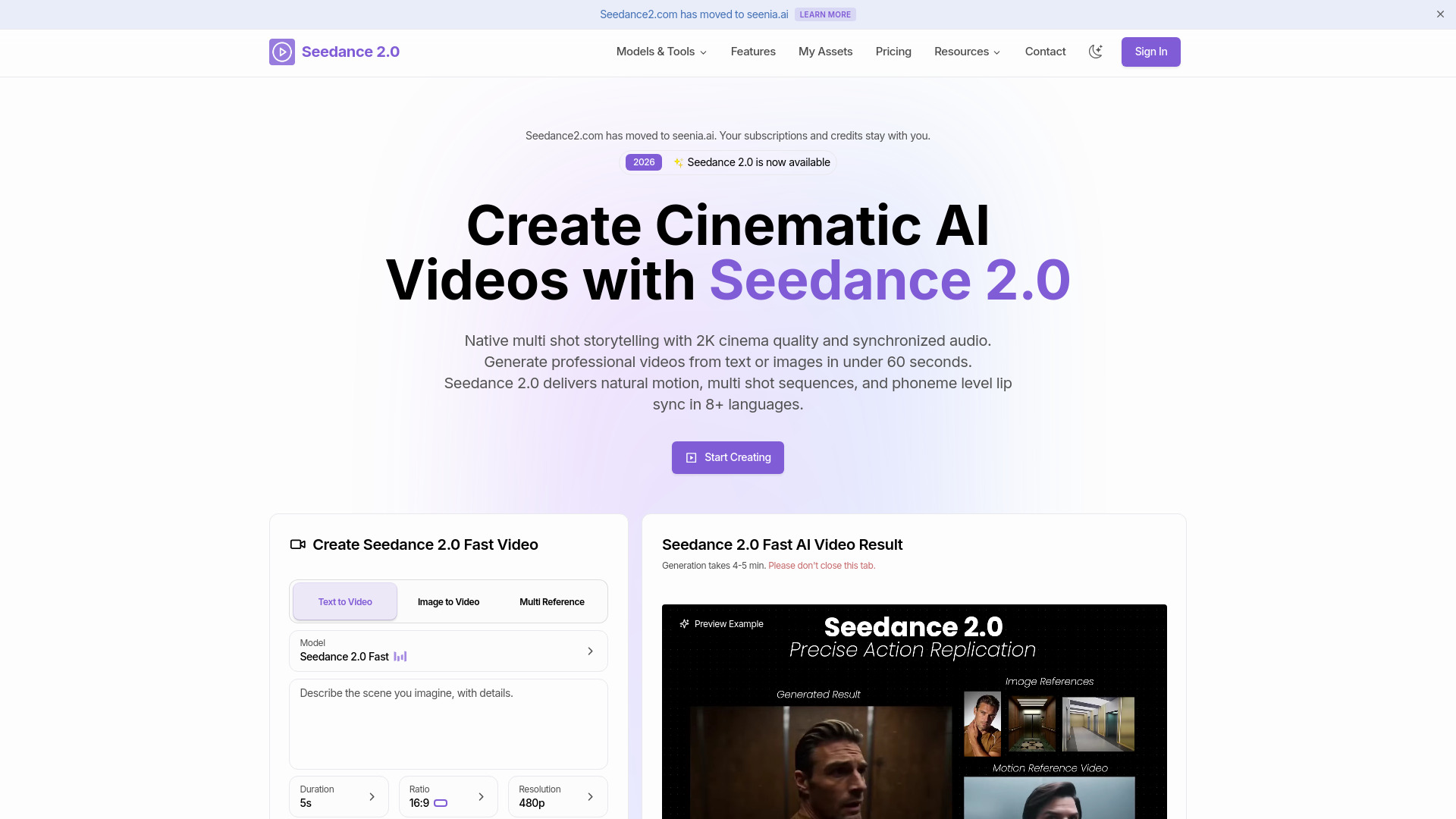
What is Wavo – Wan 3.0 AI Video Generator
Wavo is an independent AI video platform built around Wan 3.0 technology. It enables creators, marketers, and filmmakers to turn text, images, video, audio, and supported documents into AI-generated videos with flexible multimodal workflows. Wan 3.0 is a video-generation model that can produce moving shots at 480p, 720p, or 1080p, with native audio, and supports up to 30 seconds of video. The official API supports up to 20 reference assets—images, videos, audio, and text, including multimodal references. The model went live on August 24, 2026. Official demos include 1080p with synchronized audio; "native 4K" has not been officially confirmed.
How to use Wavo – Wan 3.0 AI Video Generator
- Choose Text to Video or Image to Video. Start with Text to Video and write the scene, or choose Image to Video and upload a still image.
- Write the shot. For text, describe the subject, scene, and action. With an image, focus on movement and camera direction.
- Set the output and generate. Choose from the settings available for the selected model, generate the video, then refine the prompt if needed.
Features of Wavo – Wan 3.0 AI Video Generator
- Text-to-video workflow: Turn a written scene into video with directed motion, framing, and pacing.
- Image-to-video workflow: Animate a source image while preserving its subject, style, and composition.
- Prompt and reference controls: Use the prompt to direct subject movement, camera behavior, pacing, and visual tone.
- Browser-based video generation: Add your input, adjust the settings, write the prompt, and review the result without leaving the page.
- Output settings: Choose from duration, resolution, and aspect-ratio options available for the selected model.
- Multimodal generation: Supports text, images, video, audio, and supported documents as inputs.
- Rich reference system: Multiple images, multiple characters, and multimodal inputs to keep characters and scenes consistent.
- Native audio: Generates video with synchronized audio.
- Up to 30 seconds of video: Wan 3.0 generates up to 30 seconds of video.
- Resolution options: 480p, 720p, or 1080p.
- Free credits: 20 credits to generate one video for free.
Use Cases of Wavo – Wan 3.0 AI Video Generator
- Cinematic Knight Duel: Two armored knights clash in a dramatic medieval sword fight with cinematic lighting and dynamic camera movement.
- Cinematic Coffee Commercial: A polished coffee commercial featuring atmospheric product shots, rich textures, and warm cinematic lighting.
- Creative Advertising Showcase: Transforms product references and media into sports car, red cosmetics, fashion, and commercial advertising scenes.
- Cyberpunk Bicycle Chase: A cyclist races through a neon-lit cyberpunk city in a fast-paced chase filled with futuristic streets and cinematic motion.
- Robots in a Post-Apocalyptic World: Robots move through a devastated post-apocalyptic landscape surrounded by ruins, dust, and cinematic science-fiction imagery.
- Shopping Cart Street Adventure: A shopping cart moves through busy city streets in a playful commercial sequence with energetic camera movement.
- Animation Style Showcase: A multi-style animation showcase featuring hand-drawn childhood scenes, anime action, fantasy kingdoms, graphic cities, and sci-fi characters.
- Cinematic Red-Haired Portrait: A cinematic close-up of a red-haired woman featuring expressive movement, detailed lighting, and realistic facial animation.
- Chinese Fantasy Warrior: A warrior appears in a dramatic Chinese fantasy setting with flowing costume movement, martial arts action, and cinematic effects.
- Multimodal Creation Showcase: Creators combine multiple images, multiple characters, and multimodal inputs to produce advertisements, tutorials, vlogs, and cinematic scenes.
- Dragon Encounter in the Rain: A silver-haired elf and an armored warrior share a final moment in the rain before a black dragon descends behind them.
- Medieval Cinematic Dialogue: Two medieval characters share a dramatic conversation in a realistic period setting with restrained cinematic camera movement.
Pricing
- Basic: $19.90/month. Includes 800 credits/month, up to 40 videos/month (estimate based on 4-second Wan 3.0 videos at 480p; actual credit usage varies by model and settings), up to 266 images, watermark-free downloads, commercial use, and more.
FAQ
What is the Wavo AI Video Generator?
Wavo AI Video Generator is an independent AI video creation platform that supports Wan 3.0 video generation technology. It offers flexible multimodal generation and editing workflows using text, images, video, audio, and supported documents.
Is Wan 3.0 free?
You get 20 credits and can generate one video for free. More credit events are coming so you can keep trying Wan 3.0 at no cost.
Wan 3.0 vs Veo 3 — which is better?
Wan 3.0 is the better choice here. Wan 3.0 Prime also generates faster and can output clips up to 30 seconds.
Wan 3.0 vs Kling — what's the difference?
Kling 3.0 focuses on first-frame quality and cinematic storytelling. It aims for ready-to-use, high-end visuals. First-frame quality and physical motion — such as object interaction and walking without drift — are often excellent out of the box. A simple prompt or reference image can produce a cinematic clip. Wan 3.0 focuses on complex control and long-pipeline efficiency. It aims for high controllability and multimodal range. It emphasizes a rich reference system — multiple images, multiple characters, and multimodal inputs — plus precise instruction and editing to keep characters and scenes consistent in industrial production and series work.
Wan 3.0 vs Wan 2.5 — should I upgrade?
Yes — longer clips, audio, and multimodal generation that 2.5 doesn't have.
How do I use the Wan 3.0 AI Video Generator?
Choose Text to Video or Image to Video. Write the shot you want, select from the output settings available for the current model, and generate. If the first result misses the action or framing, revise the prompt and try again.
Can I create a video from text?
Yes. Choose Text to Video and describe the subject, scene, and action. Add camera direction or a visual style when those details matter to the shot.
Can I animate a still image?
Yes. Choose Image to Video and upload the image you want to animate. Because the image already establishes the subject and composition, use the prompt to explain what should move and how the camera should behave.