Newsletter
Join the Community
Subscribe to our newsletter for the latest news and updates

AI-powered photo editing and image generation with natural-language prompts
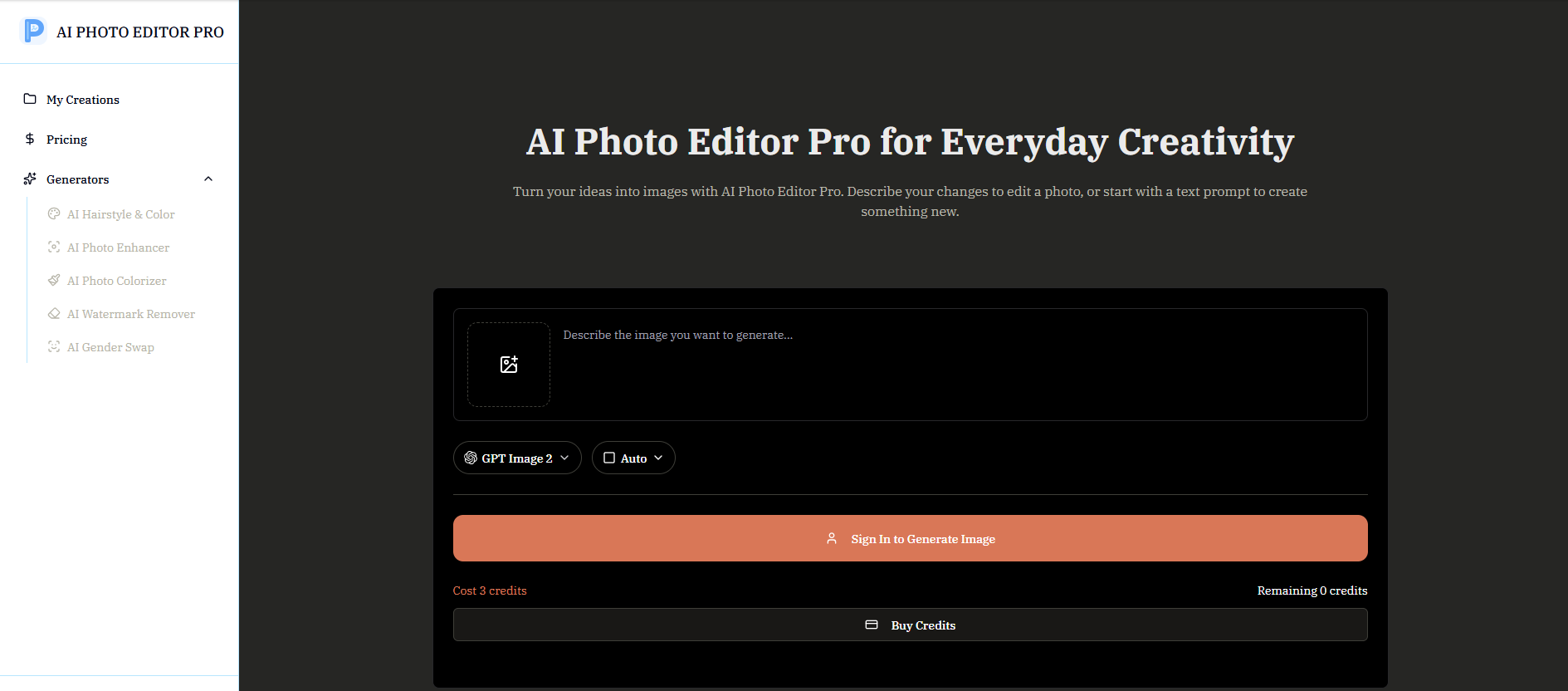
AI Photo Editor Pro is an AI-powered photo editing and image generation tool that allows users to edit, enhance, and transform photos using natural-language prompts. It enables background changes, portrait edits, restoration, and image generation without requiring complex manual editing skills.
AI Photo Editor Pro is free to open and explore. Generating images uses credits, and the required credits are shown before you create. Additional credits are available on the pricing page. Generation is credit-based rather than limited to one fixed number; how many images you can create depends on your available credits, generation mode, and resolution.
What Is an AI Photo Editor Pro? An AI photo editor lets you change an image by describing what you want. You can remove objects, replace backgrounds, retouch portraits, adjust styles, and create polished variations without learning complex editing tools. Unlike a traditional editor that requires manual selections and adjustments, a prompt-based editor interprets the requested change and applies it across the relevant parts of the image.
How Can I Edit a Photo with AI? Upload a photo, describe the change in plain language, and generate the result. Be specific about what should change and what should stay the same, such as the person, composition, lighting, or background. Review the first output carefully, then refine one detail at a time if the image needs a different color, placement, expression, texture, or level of realism.
Can I Generate New Images with AI? Yes. Upload a reference image and describe the new scene, style, or composition you want. The AI can turn it into a fresh image while keeping important details from the original. For more predictable results, explain which parts of the reference should remain recognizable and which parts may be reimagined. You can also specify the intended format and where the finished image will be used.
Is the AI Photo Editor Pro Free to Use? You can open the editor and explore it for free. Generating images uses credits, and the required credits are shown before you create. Additional credits are available on the pricing page.
How Is AI Photo Editor Pro Different from Other Photo Editing Tools? AI Photo Editor Pro lets you edit and generate images using simple, natural-language prompts. Instead of manually adjusting complex settings, you can describe the result you want, use reference images, and control options such as aspect ratio and resolution in one focused workspace.
Do I Need Professional Editing Skills to Use AI Photo Editor Pro? No. You can upload a photo or start with a text prompt, describe the result you want in everyday language, and let the AI handle the transformation. Clear, specific instructions can help produce results closer to your vision.
Why Choose AI Photo Editor Pro? AI Photo Editor Pro combines natural-language editing, multiple reference images, aspect-ratio and resolution controls, and access to different AI models in one focused workspace. It makes both quick photo edits and new image creation straightforward.
Can I Control the Style of the Generated Images? Yes. Describe the style, lighting, colors, mood, and composition you want in your prompt. You can also upload reference images to guide the visual direction, although results may vary depending on the selected model and your instructions. Mention whether a reference should guide the subject, palette, layout, clothing, or overall look, and state which elements of your original image should remain unchanged.
Is There a Generation Limit? Generation is credit-based rather than limited to one fixed number. How many images you can create depends on your available credits, generation mode, and resolution. The required credit cost is shown before each generation.