What is Airbrush AI Image Enhancer
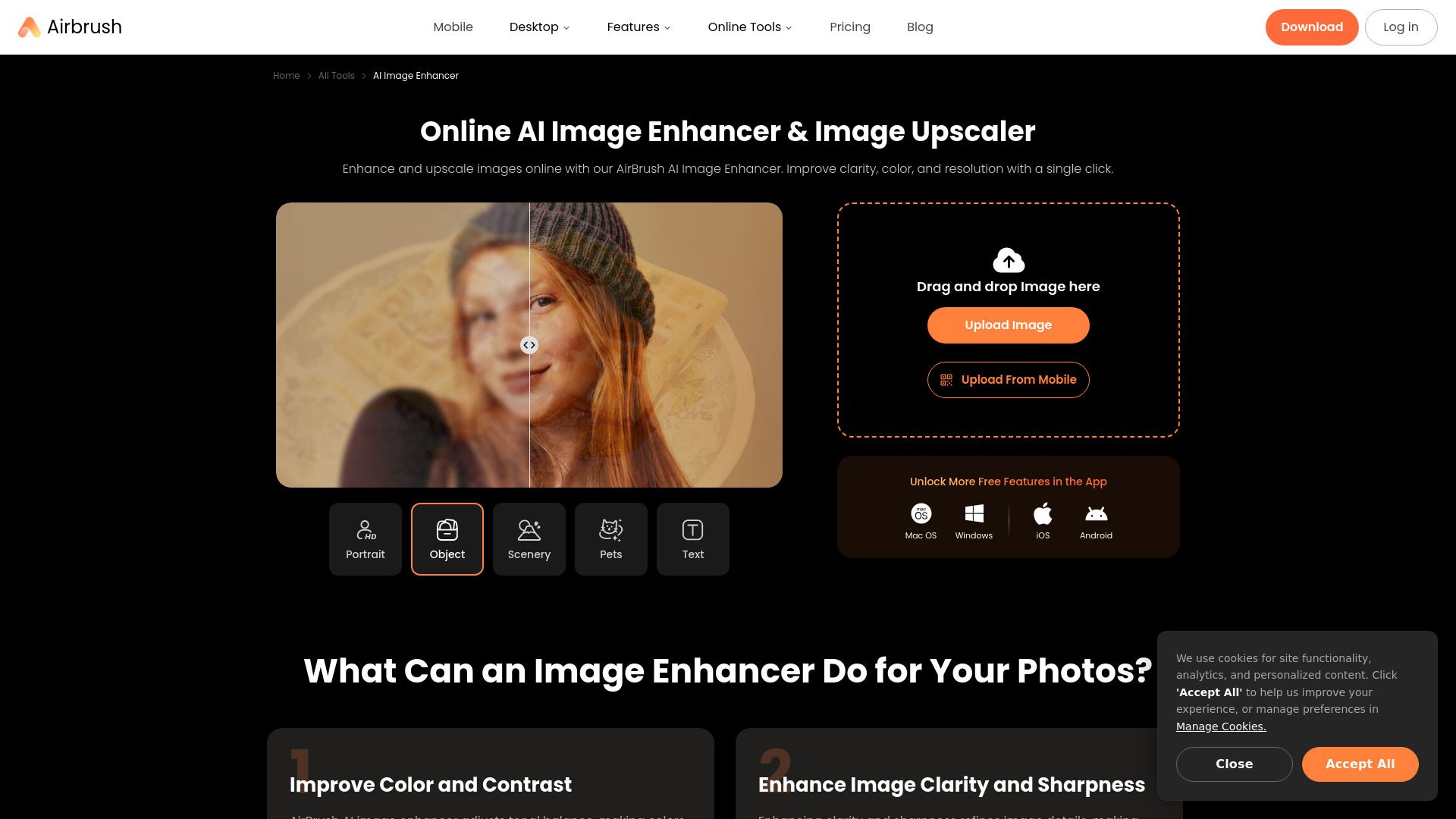
AirBrush AI Image Enhancer is an online tool designed to improve the quality of your photos. It can enhance clarity, color, and resolution with a single click, making images sharper and more vibrant.
How to use Airbrush AI Image Enhancer
- Choose an image from your library that you want to enhance.
- In the photo editor interface, click AI Enhance and witness the AI transform your image with its advanced enhancements.
- Preview the enhanced image. Make any desired edits, then click Export and Download to save the new version.
Features of Airbrush AI Image Enhancer
- Improve Color and Contrast: Adjusts tonal balance, making colors more vibrant and contrasts more pronounced.
- Enhance Image Clarity and Sharpness: Refines image details, making them crisper and more defined.
- Reduce Noise and Imperfections: Smooths out random speckles or grain for cleaner images.
- Upscale Image Resolution: Increases pixel count to enlarge images without losing quality.
Use Cases of Airbrush AI Image Enhancer
- Enhancing Family Image Quality: Restores and upscales old family images, making them sharper and more vibrant.
- Enhance Image Quality for Social Media Posts: Makes images vibrant and eye-catching for platforms like Instagram and Facebook.
- Enhancing Images for Real Estate Listings: Improves color, contrast, and clarity for more attractive property photos.
- Upscale E-commerce Product Photos: Enhances quality, making details sharper and colors more vibrant for better product presentation.