LogoTop AI Hubs
Logo of NanoBanana AI

NanoBanana AI

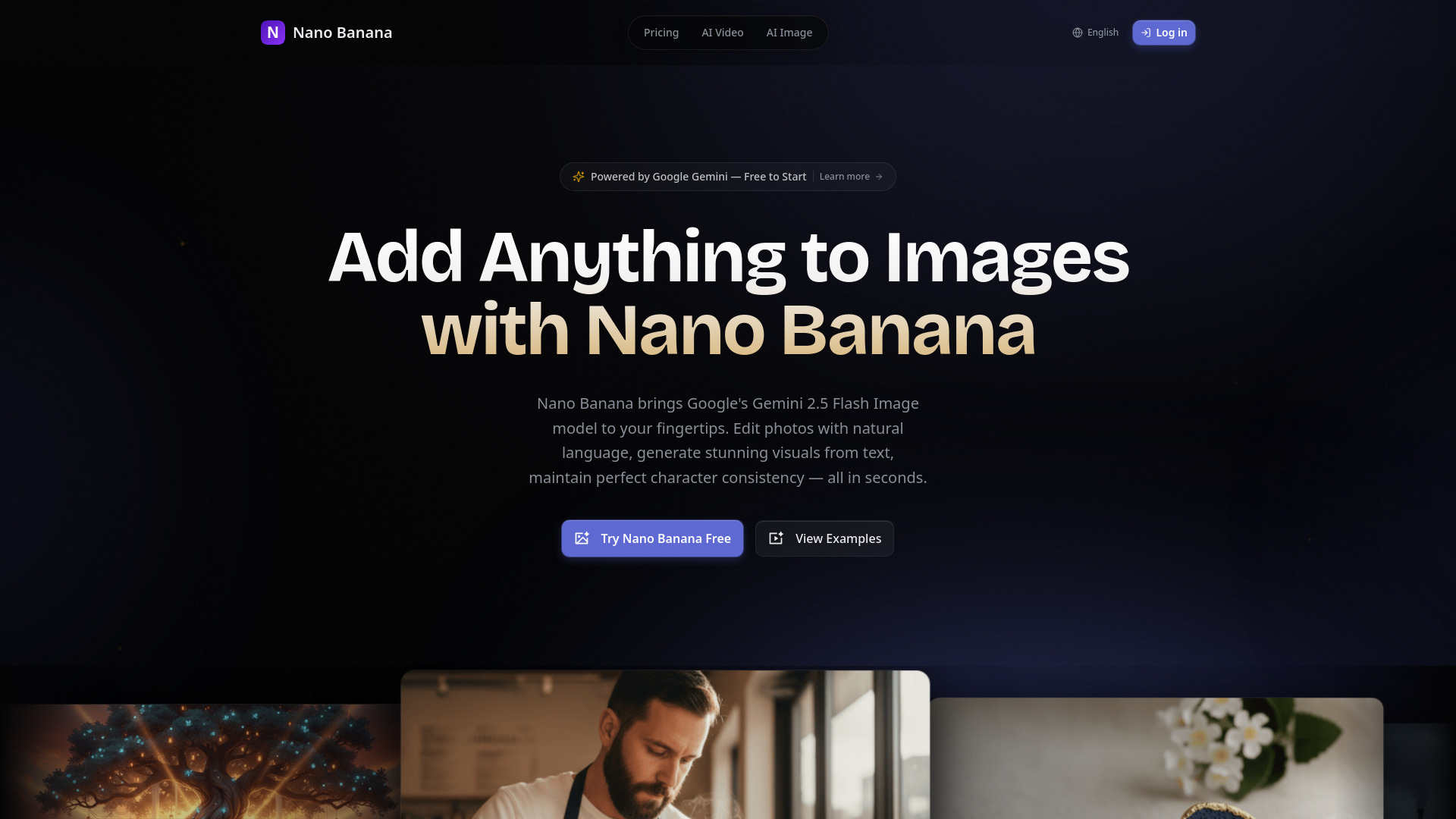
AI image generator for stunning, consistent visuals with Google's AI.

Introduction

What is NanoBanana AI

NanoBanana AI is an AI image generator that creates stunning and consistent visuals using Google's AI model. It allows users to transform ideas into visuals instantly without needing design skills.

How to use NanoBanana AI
  1. Upload Reference Images: Drag and drop or click to upload up to 12 reference images.
  2. Input Prompts: Describe the image effect and style you want using natural language.
  3. Generate and Download: AI quickly generates high-quality images that can be downloaded with one click.
Features of NanoBanana AI
  • AI Image Generation: Creates stunning, consistent visuals powered by Google's AI.
  • Natural Language Prompts: Edit images using simple text descriptions.
  • One-shot Editing: Apply complex changes in a single step.
  • Multi-image Support: Work across multiple photos simultaneously to maintain consistency.
  • Object Consistency: Preserves details of objects across different generations.
  • Background Replacement: Remove and replace backgrounds using natural language prompts.
  • Style Conversion: Apply AI style transfer to create new artistic styles.
  • Color Change: Edit and refine colors (hue, saturation, brightness) with precision.
  • Age Transformation: Apply lifelike aging effects or youthful appearance changes to portraits.
  • Image to Figure: Transform photos into 3D figures or collectible figurines.
  • Posture Change: Generate natural-looking body positions by applying skeletal pose references.
  • Viewpoint Switching: Change camera angles, zoom, and framing while preserving consistency.
  • Storyboard Creation: Generate sequential frames with consistent characters and objects.
  • Simple Interface: User-friendly interface designed for ease of use.
Use Cases of NanoBanana AI
  • Storyboarding: Maintain character consistency across multiple scenes for animation, comics, and creative storytelling.
  • Product Photography: Create consistent product visuals and batch-generate unique styles for social media.
  • Influencer Content: Boost social media content performance with AI-generated visuals.
  • Artistic Style Transfer: Transform photos into various artistic styles.
  • Portrait Editing: Apply age transformation effects.
  • 3D Figure Creation: Convert photos into 3D models or figurines.
  • Motion Graphics: Generate natural body positions for gaming, virtual production, and motion capture.
  • Cinematic Variations: Create different camera angles and perspectives while maintaining consistency.
FAQ
  • How do I use Nano Banana for image editing? Upload reference images, input prompts describing the desired effect, and generate/download the results.
  • What is Nano Banana? Nano Banana is an AI image generator and editor built on Google's AI model, designed for creating consistent visuals and performing various image transformations using natural language prompts.
  • How do I write good prompts for Nano Banana? Describe the image effect and style you want using simple, natural language.
  • Is Nano Banana free to use? The webpage mentions "Start creating for free today!" and offers a "Try Nano Banana" option, suggesting a free trial or free tier is available.
  • Can generated images be used commercially? The webpage content does not explicitly state commercial usage rights for generated images.
  • How does the credit system work? The webpage content does not provide details on the credit system.
  • Do you support batch generation? The interface description mentions "Support up to 12 images," implying batch processing capabilities for reference images.

Newsletter

Join the Community

Subscribe to our newsletter for the latest news and updates