What is AIUpscaler - Image Enhancer
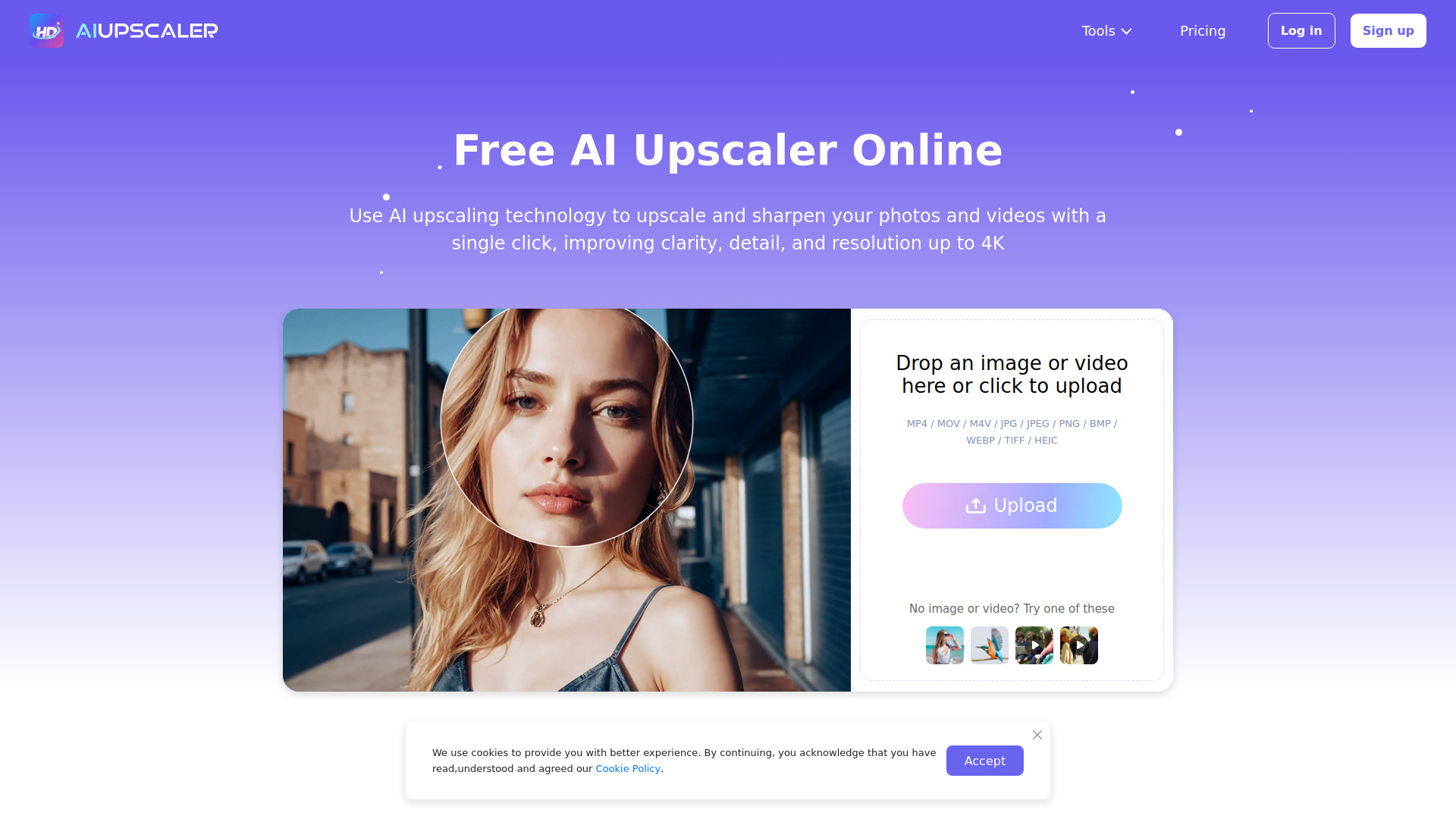
AIUpscaler is an online tool that uses advanced AI technology to enhance the quality of both images and videos. It offers a one-click solution to upscale images, sharpen them, and automatically improve video quality to 4K, requiring no prior editing experience.
How to use AIUpscaler - Image Enhancer
While specific step-by-step instructions are not detailed, the process involves uploading your image or video to the platform and utilizing the AI tools to enhance and upscale the content. The interface is designed for ease of use, with options like "Try Image Upscaler" and "Try Video Enhancer" suggesting a straightforward workflow.
Features of AIUpscaler - Image Enhancer
- AI Image Upscaler: Enhances image quality, upscales images with one click, fixes blurry pictures while retaining original colors, and allows downloading in high quality.
- AI Video Enhancer: Automatically enhances video quality, performs frame-by-frame upscaling, and upscales videos to HD and 4K resolution.
- Unblur Image: Sharpens blurred images.
- Old Photo Restoration: Restores old photographs.
- Image Sharpener: Sharpens images.
- One-Click Enhancement: Simplifies the process for both images and videos.
- Browser-Based: No software installation is required; enhancements are done directly in the browser.
- File Format Support: Compatible with JPG, PNG, WebP, MP4, MOV, M4V, BMP, TIFF, and HEIC.
- Security and Privacy: Files are processed securely to protect user information.
Use Cases of AIUpscaler - Image Enhancer
- Social Media Content: Enhancing clips and photos for platforms like Instagram to achieve a professional look and increase engagement.
- Travel Photography: Improving the detail and crispness of vacation photos, including older images.
- Content Creation: Upscaling images and videos for online stores, marketing materials, and general content to a higher resolution (up to 4K).
Pricing
AIUpscaler offers a limited number of free uses per day. For unlimited access, users can upgrade to PRO or purchase additional credits. Specific plan details or pricing tiers are not provided in the content.
FAQ
- How to improve resolution of a photo? Upload your photo and click "Generate" to upscale it in seconds using the AI Upscaler Image.
- How to upscale video? Upload your video, and the AI automatically restores and upscales it to 4K quality with a single click.
- Are there any upload limits? Image files can be up to 20MB. Video files can be up to 300MB and 10 minutes in length.
- What file formats does AIUpscaler support? Supports MP4, MOV, M4V, JPG, JPEG, PNG, BMP, WEBP, TIFF, and HEIC.
- Can I use the generated images and videos for commercial purposes? Yes, generated content can be used for online stores, marketing materials, social media, and other business purposes.
- Is AIUpscaler free to use? A limited number of free uses are available daily. Upgrading to PRO or purchasing credits unlocks more usage.
- How do I cancel my subscription? Refer to the Billing Policy for cancellation instructions.