Newsletter
Join the Community
Subscribe to our newsletter for the latest news and updates

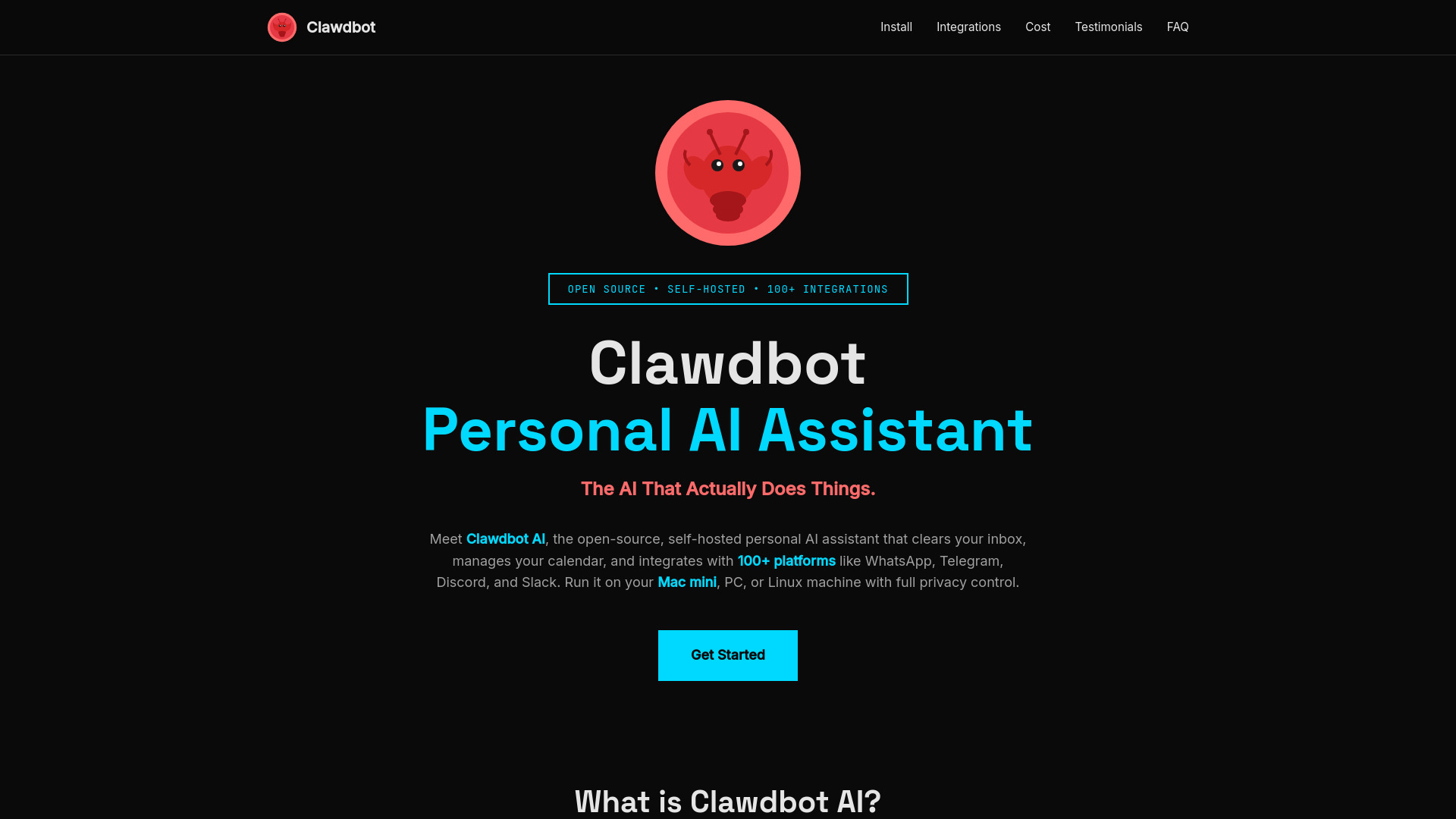
Open-source, self-hosted personal AI assistant with 100+ integrations and full privacy control.
Clawdbot AI is an open-source, self-hosted personal AI assistant that runs on your own device (Mac, PC, or Linux). It offers full privacy control and integrates with over 100 platforms.
curl -fsSL https://clawd.bot/install.sh | bash for macOS/Linux, or iwr -useb https://clawd.bot/install.ps1 | iex for Windows PowerShell).clawdbot onboard to configure API keys and integrations.clawdbot start.Clawdbot itself is free and open-source. The costs are associated with:
What is Clawdbot AI? Clawdbot AI is an open-source, self-hosted personal AI assistant that runs on your own device (Mac, PC, or Linux). Unlike cloud-based AI assistants, clawdbot gives you full control over your data while integrating with 100+ platforms like WhatsApp, Telegram, Discord, and Slack.
How do I install clawdbot on Mac?
For Mac users, the easiest way to install clawdbot is using Homebrew: brew install clawdbot. Alternatively, you can use npm: npm i -g clawdbot. After installation, run clawdbot onboard to complete the setup process.
Can I run clawdbot on a Mac mini? Yes! A Mac mini is an excellent choice for running clawdbot. The M2 Mac mini provides plenty of power for running the AI assistant 24/7 while being energy-efficient. Many users choose Mac mini specifically for hosting clawdbot due to its reliability and low operating costs.
What AI models does clawdbot support? Clawdbot supports multiple AI models including Claude (clawdbot claude), ChatGPT, Gemini (clawdbot gemini), and more. You can configure your preferred model during the clawdbot setup process. The clawdbot gateway allows you to switch between different AI providers seamlessly.
How much does clawdbot cost to run? Clawdbot itself is free and open-source. The main clawdbot cost comes from AI API usage, typically $5-50/month depending on your usage. Hardware costs vary: you can use an existing computer ($0), a Raspberry Pi ($75), or a Mac mini ($599). There are no monthly subscription fees.
Where can I find the clawdbot source code? The clawdbot source code is available on GitHub at github.com/clawdbot/clawdbot. You can clone the repository, contribute to the project, or customize it for your specific needs. The github clawdbot community is active and welcoming to contributors.
What are clawdbot skills? Clawdbot skills are modular capabilities that extend what your AI assistant can do. Skills can automate tasks like email management, calendar scheduling, data analysis, and more. You can create custom clawdbot skills using JavaScript/TypeScript or install community-created skills from the marketplace.
Can I use clawdbot with Discord and Telegram? Yes! Clawdbot has built-in integrations for both clawdbot discord and clawdbot telegram. You can configure these during the clawdbot setup process. The AI assistant can read messages, respond to commands, and take actions across these platforms automatically.
Is my data private with clawdbot? Yes! Since clawdbot is self-hosted on your own device, all your data stays under your control. Unlike cloud-based AI assistants, your conversations and personal information never leave your machine unless you explicitly configure external integrations.
How do I get started with clawdbot?
Getting started is easy: 1) Install clawdbot using Homebrew or npm, 2) Run clawdbot onboard to configure your API keys and integrations, 3) Start the assistant with clawdbot start. The entire clawdbot install process takes about 10-15 minutes.
What's the difference between clawdbot and ChatGPT? While ChatGPT is a passive chatbot that waits for your input, clawdbot is a proactive AI assistant that can take actions on your behalf. Clawdbot integrates with 100+ platforms, runs on your own hardware for privacy, and can be customized with skills. You can even use ChatGPT's API as the underlying AI model for clawdbot.
Can I contribute to the clawdbot project? Absolutely! Clawdbot is open-source and welcomes contributions. You can contribute code, create new skills, improve documentation, or report bugs on the github clawdbot repository. Check out the contributing guidelines in the repo to get started.