Newsletter
Join the Community
Subscribe to our newsletter for the latest news and updates

AI browser agent for teaching and automating recurring web tasks
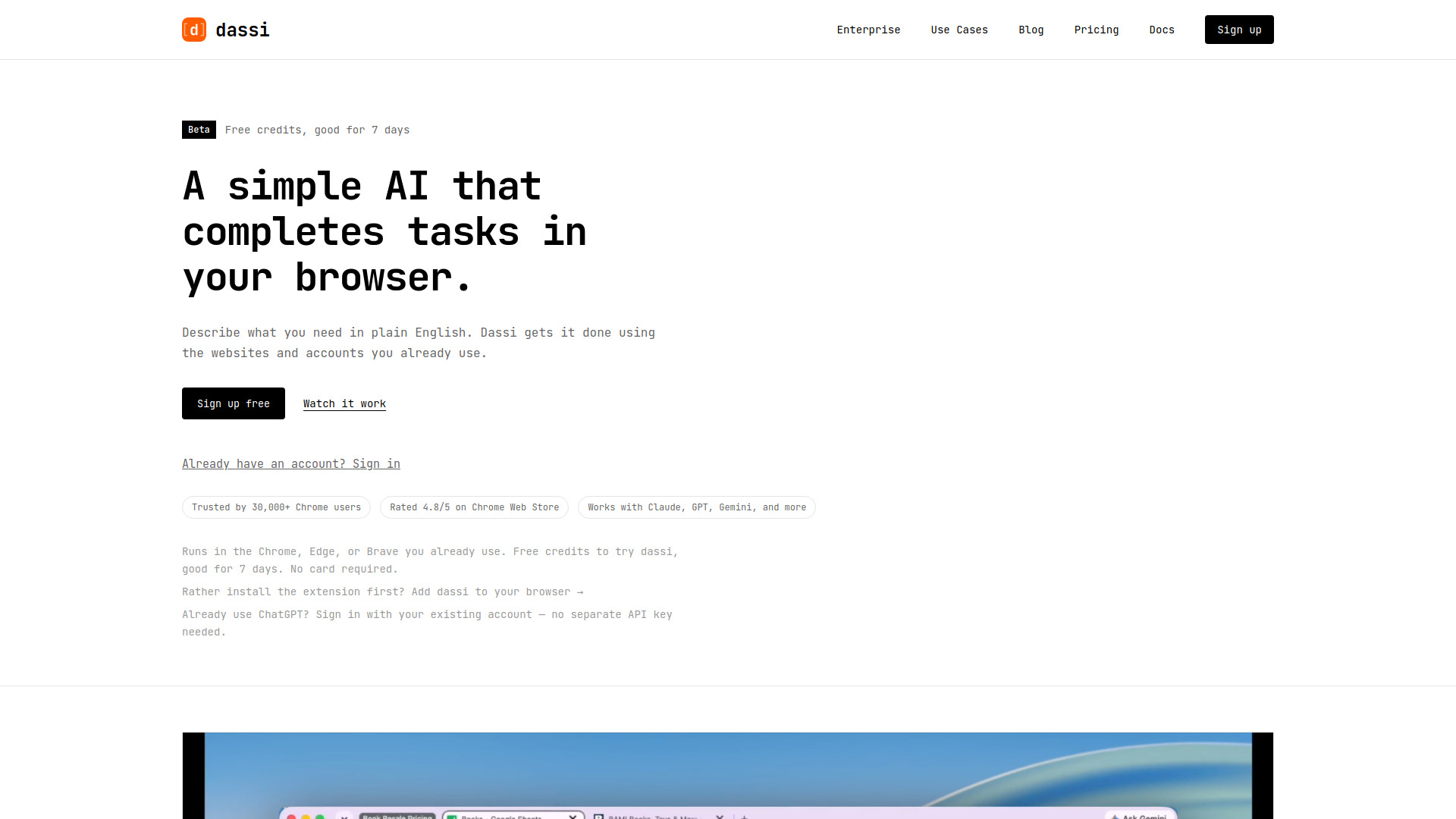
dassi is an AI browser agent that completes tasks in your browser. It works in the Chrome, Edge, or Brave browser you already use, on the sites and accounts you're already signed into. You describe what you need in plain English, and dassi gets it done. It is not a genie that already knows your job; it's closer to a new hire who's good at the web and needs one walkthrough of how you do things. The agent itself runs on your machine.
You can cancel to stop future billing whenever you want; the current period is not refunded.
What is dassi and how does it work? dassi is an AI agent that works in your browser's side panel. Give it a task — in plain English, or by walking it through the job once while it watches — and it does the work: clicks buttons, fills forms, navigates pages, and handles documents, using the accounts you're already signed into and the AI model you choose. When a task is something you'll need again, save it as a workflow so it runs on a schedule instead of on request. The agent itself runs on your machine.
What's the difference between a task and a workflow? A task is something you want done now — research a supplier, pull numbers out of a dashboard, fill in a form. A workflow is a task dassi has taken ownership of: it has a schedule (or a Run now button), a saved plan in plain language, the sites and inputs it uses, the actions it must ask you about first, and a run history so you can see what happened each time. Most workflows start life as a task that went well.
Why do I have to teach dassi — shouldn't it just know? dassi isn't a know-it-all chatbot; it's closer to a capable new hire. On day one it already knows how to use the web — what it doesn't know is how you do this particular job, which sites are the right ones, and what "done" looks like for you. Show it once, or start from a suggested workflow and adjust it. From then on it runs the job, and the more you correct it the less you have to touch.
How is dassi different from ChatGPT, Claude, or Gemini? They're excellent general assistants, and all three can operate a browser now. The difference is where the work happens and who keeps it. dassi's agent runs on your machine, in the browser you already use, on the accounts you're already signed into, with the model you choose. And it's built for work that recurs: it keeps the workflow, the schedule, the approval rules, the site-specific context, and the history of every run. You ask an assistant for a task; you hand dassi a job. And you can use Claude, GPT, Gemini, or another model inside dassi — the model is the engine, not the competition.
What happens when dassi gets something wrong? Tell it. dassi keeps a persistent memory that you and the agent can both read and edit, so a correction — the wrong supplier, the wrong column, the wrong tone — carries over into later sessions and runs instead of being forgotten when the chat ends. You can also pause a workflow while you sort something out, and walk dassi through the job again if the procedure itself has changed.
Can I save and reuse my workflows? Yes — that's the point. Ask dassi to save a task you've taught it as a workflow, then run it on demand with Run now or on a schedule: every day, on weekdays or chosen days of the week, every few days, or monthly on a date. Each workflow keeps a run history, and you can pause one so it stops running on its own while you can still trigger it manually.
Does someone have to watch it run? No. dassi asks before it acts on anything you've flagged, and you can approve for a whole session rather than click-by-click. When a scheduled run needs a decision, it pauses and pings you by Telegram or email — reply on Telegram and it carries on without you going back to your desk. You get the finished result the same way. Scheduled runs happen in your own browser, so it needs to be open when a run is due; if it was closed, dassi runs the job shortly after you reopen it.
Can I run dassi from my phone while I'm away from my desk? Yes. Send instructions from your phone — dassi executes them in the browser session on your main machine, and replies there when it's done or when it needs you. Clear the inbox, pull the dashboard, approve an exception, all from a meeting or a train.
Which AI models does dassi support? Claude, GPT, Gemini, Grok, DeepSeek, Kimi, anything on OpenRouter, and more added regularly — with your own API key or dassi's included credits. Switch anytime; there's no lock-in.
Is my data stored or shared with anyone? Local conversations and configured provider keys are stored in your browser. Task instructions and relevant website content are processed by your configured AI provider; managed-credit requests pass through dassi's relay. When you enable remote MCP access, task instructions and results are also stored on dassi's servers for your authorized AI app to retrieve, without automatic expiry. Disabling access does not delete earlier task records. Contact privacy@omnifylabs.com to request deletion. Full details are in the privacy policy.
What file types can dassi work with? dassi can work with Excel, Word, Google Sheets, Google Docs, PDFs, and other common file formats directly in your browser.
How much does dassi cost? New accounts get free credits to try dassi, good for 7 days — no card required. After that, keep it software-only for $10/month by bringing your own model key, or take a plan with monthly credits from $25-$300/month. You can cancel to stop future billing whenever you want; we don't refund the current period.