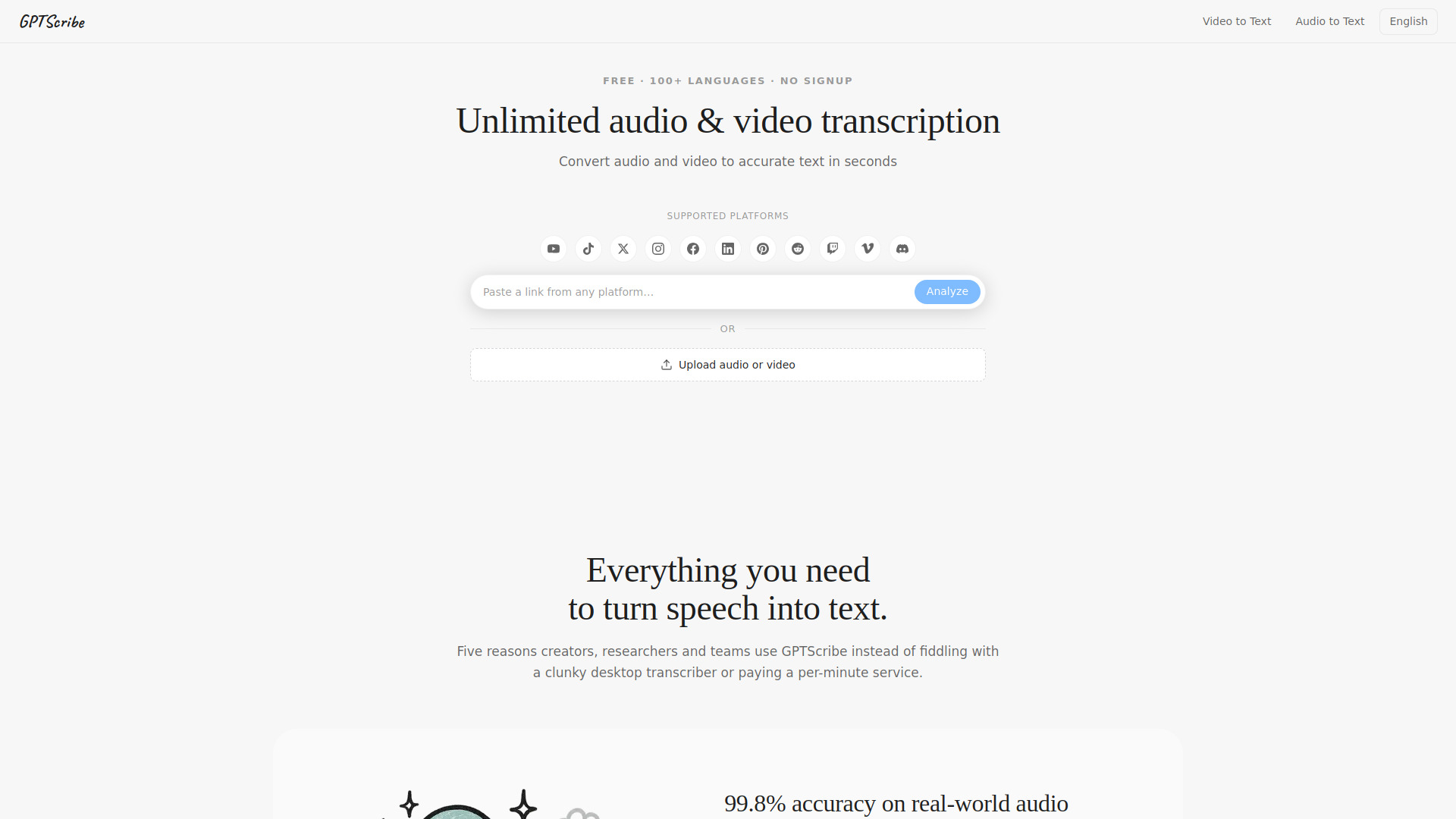
What is GPTScribe
GPTScribe is a free AI transcription tool that converts audio and video files into accurate text with 99.8% accuracy. It supports over 100 languages, requires no sign-up, and offers unlimited transcription with 3 free transcripts per day. Users can upload files or paste links from platforms like YouTube, TikTok, and Vimeo, and download results as SRT, VTT, or TXT files.
How to use GPTScribe
- Go to the GPTScribe website.
- Paste a video link from a supported platform (e.g., YouTube, TikTok, Instagram) or upload an audio/video file directly.
- Optionally select source and target languages (Auto-detect is available).
- Click "Transcribe" and wait a few seconds for the transcript to appear.
- Review, edit, or translate the transcript in the browser.
- Download the transcript as SRT, VTT, or TXT with a single click.
Features of GPTScribe
- 99.8% accuracy on real-world audio, including noisy recordings, overlapping voices, and accents.
- 100+ languages with automatic language detection and translation support.
- Fast transcription – a 10-minute podcast finishes in under a minute; an hour-long lecture is ready quickly.
- No sign-up required – just paste a link or drop a file.
- 3 free transcripts per day with no per-minute cap.
- Export formats: SRT, VTT, and TXT, with pre-segmented subtitles for video editors.
- Privacy: Files are encrypted, processed, and automatically deleted shortly after transcription.
- Supports multiple platforms: YouTube, TikTok, Vimeo, Instagram, Facebook, X, Twitch, Discord, and more.
- Accepts common formats: MP3, WAV, M4A, AAC, FLAC, OGG, MP4, MOV, MKV, WEBM, AVI, and others.
Use Cases of GPTScribe
- Podcasters: Transcribe episodes quickly and generate subtitles for distribution.
- Researchers: Convert interviews and lectures into searchable text for analysis.
- Journalists: Transcribe interviews on deadline and translate foreign-language sources.
- Students: Turn lectures into readable notes for study and review.
- Content creators: Generate captions for YouTube videos in multiple languages.
- Documentary editors: Create time-coded transcripts of raw footage for efficient editing.
Pricing
GPTScribe is free to use with no sign-up required. Every user gets 3 full transcripts per day with no per-minute cap. Heavy users can contact the team about a paid tier, but the free product is fully featured and includes all export options and translation.
FAQ
Is GPTScribe really free? Yes. The core product is free with no sign-up. You get three full transcripts every day with no per-minute cap. No credit card is required, and features like SRT export, VTT export, and translation are not locked behind an account.
How accurate is the transcription? On clean to moderately noisy audio, GPTScribe achieves around 99.8% word-level accuracy in English and similar numbers for other major languages. It handles background noise, music, accents, and multiple speakers well.
Which languages and accents are supported? Over 100 spoken languages including English (US, UK, Australian, Indian), Mandarin, Cantonese, Spanish, Portuguese, French, German, Italian, Japanese, Korean, Hindi, Arabic, Russian, and many more. Auto-detection works even on multilingual recordings.
What audio and video formats can I upload? Audio: MP3, WAV, M4A, AAC, FLAC, OGG, OPUS, WMA. Video: MP4, MOV, MKV, WEBM, AVI, FLV, 3GP. You can also paste links from supported platforms.
Is my audio private? Yes. Files are uploaded over HTTPS, used only to generate your transcript, and automatically deleted shortly after delivery. No recordings are retained, trained on, or shared.
Can I use the transcripts commercially? Yes. You own the output and can use, edit, publish, and monetize it without attribution.