Newsletter
Join the Community
Subscribe to our newsletter for the latest news and updates
Open-source, self-hosted, privacy-first AI assistant for real automation and tasks.
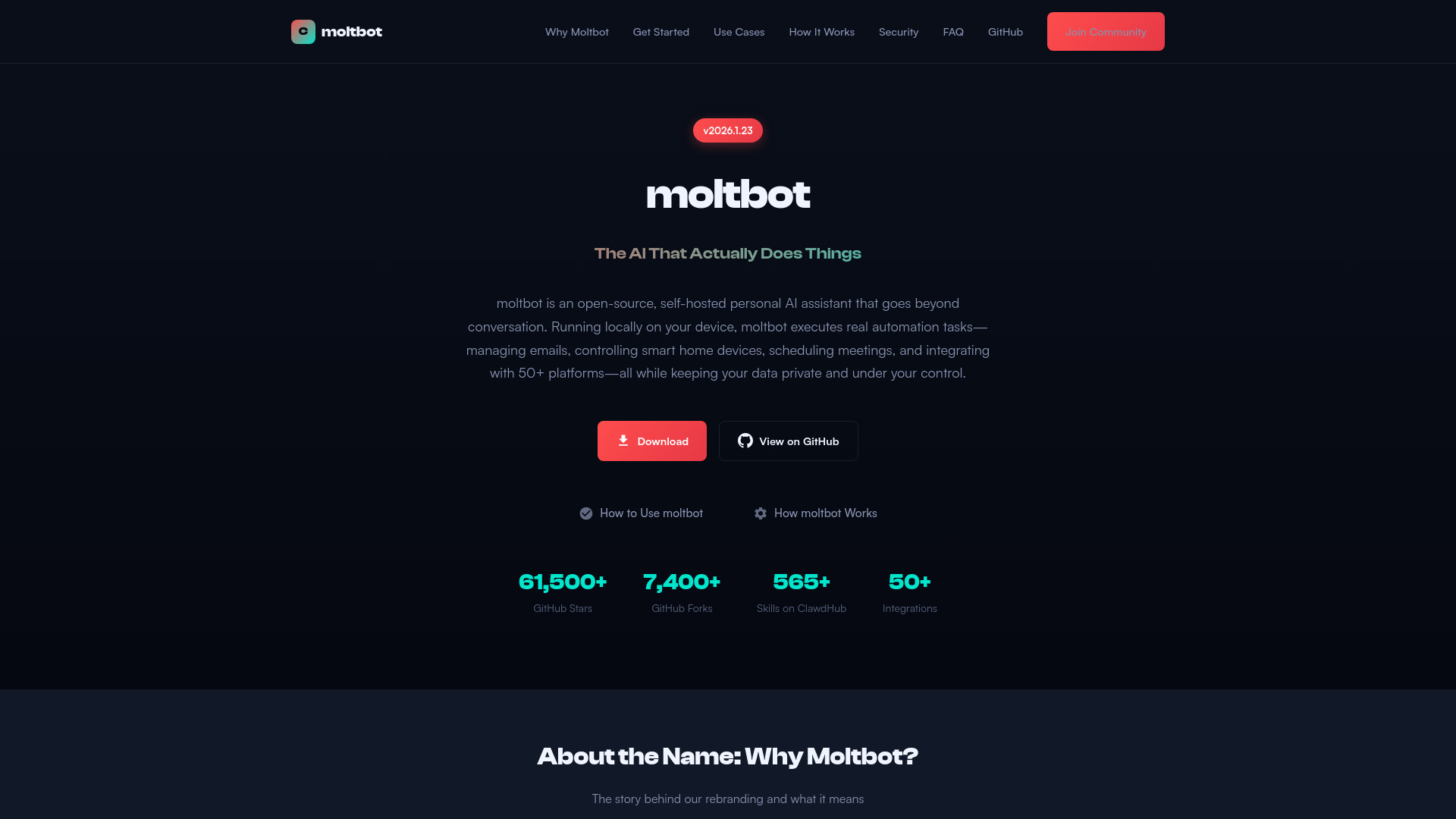
moltbot is an open-source, self-hosted personal AI assistant that goes beyond simple conversation. It can execute real automation tasks on your behalf—managing emails, controlling smart home devices, scheduling meetings, and integrating with 50+ platforms—all while running locally on your device for maximum privacy.
Getting started is easy: download the macOS installer or ZIP archive from the download section, follow the quick setup wizard, configure your preferred AI model API key, and connect your messaging channels.
moltbot is completely free and open-source under the MIT License. You may need to pay for the AI model API access (like Claude or GPT-4) unless you choose to run local models via Ollama.
What is moltbot? moltbot is an open-source, self-hosted personal AI assistant that goes beyond simple conversation. It can execute real automation tasks on your behalf—managing emails, controlling smart home devices, scheduling meetings, and integrating with 50+ platforms—all while running locally on your device for maximum privacy.
Is moltbot free to use? Yes, moltbot is completely free and open-source under the MIT License. You can download, use, modify, and distribute it without any cost. However, you may need to pay for the AI model API access (like Claude or GPT-4) unless you choose to run local models via Ollama.
How does moltbot protect my privacy? moltbot runs entirely on your local device—your data never leaves your machine unless you explicitly configure it to. There are no cloud dependencies or third-party servers involved in core operations. You maintain complete data sovereignty and control over what information is shared.
What platforms and operating systems are supported? moltbot currently supports macOS as the primary platform, with Linux and Windows support available through Docker. The native macOS installer provides the smoothest experience, but Docker deployment works across all major operating systems.
Which AI models can I use with moltbot? moltbot supports multiple AI backends including Claude (Anthropic), GPT-4 (OpenAI), and local models via Ollama or LM Studio. You can switch between providers without changing your setup, giving you flexibility to choose based on performance, cost, or privacy preferences.
How do I communicate with moltbot? You can interact with moltbot through multiple channels including WhatsApp, Telegram, Discord, Slack, iMessage, Signal, Matrix, and Mattermost. This means you can message your AI assistant from wherever you already communicate.
Can I extend moltbot with custom skills? Yes! moltbot features an extensible skill system. You can install skills from the ClawdHub marketplace or create your own custom integrations. Skills can add new capabilities like controlling specific services, automating workflows, or integrating with your unique tools.
Is moltbot secure for automation tasks? Security is built into moltbot's core. It features sandboxed execution environments, configurable access controls, and user trust boundaries. These enterprise-grade security features ensure that automation tasks run safely without risking your system or data.
How do I get started with moltbot? Getting started is easy: download the macOS installer or ZIP archive from the download section, follow the quick setup wizard, configure your preferred AI model API key, and connect your messaging channels.
Where can I get help or contribute? Join our active community with 61,500+ GitHub stars and 7,400+ forks for support and discussions. For bug reports and feature requests, visit our GitHub repository. Contributions are welcome—the project embraces AI-assisted PRs with proper attribution.