Newsletter
Join the Community
Subscribe to our newsletter for the latest news and updates

Open-source, self-hosted AI assistant that executes tasks across multiple chat platforms.
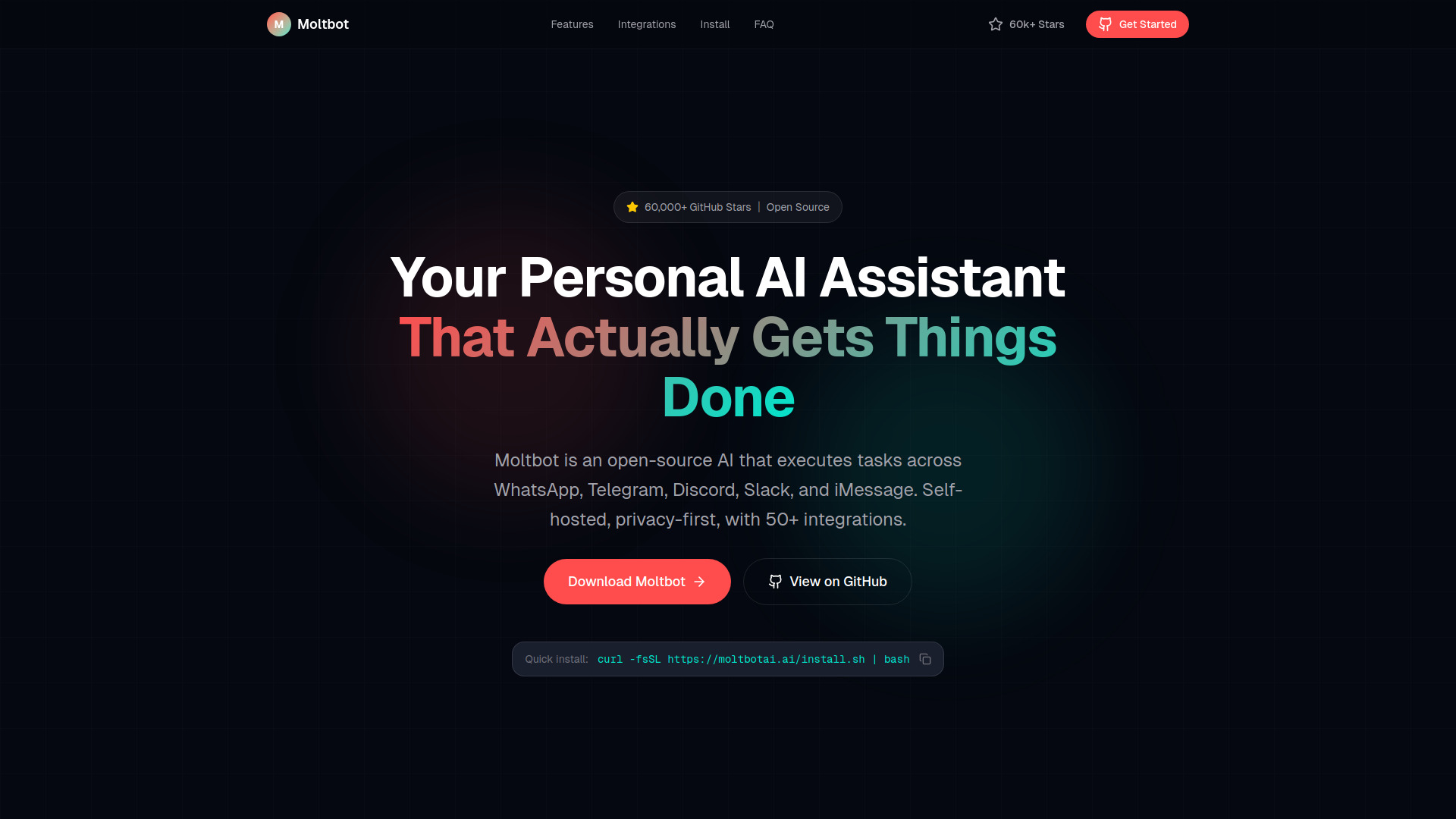
Moltbot is an open-source, self-hosted AI assistant that executes tasks across multiple chat platforms like WhatsApp, Telegram, Discord, Slack, and iMessage. It is designed to be proactive, private, and integrates with over 50 services.
Installation is straightforward. A quick install can be done via a one-line command: curl -fsSL https://moltbotai.ai/install.sh | bash. Alternatively, installation is possible via Docker or Homebrew. For Windows users, a native installer is available on GitHub releases, allowing Moltbot to run directly without WSL or virtual machines.
Moltbot can be used for a variety of tasks, including:
What is Moltbot? Moltbot is an open-source personal AI assistant that proactively executes tasks, manages communications, and integrates with numerous services, all while running on your own hardware for privacy.
How is Moltbot different from Clawdbot? Moltbot is the rebranded and evolved version of Clawdbot, maintaining the same open-source codebase and features while introducing enhancements and a new name due to a trademark request.
How do I install Moltbot?
Installation can be done via a one-line installer (curl -fsSL https://moltbotai.ai/install.sh | bash), Docker, or Homebrew. Native Windows installers are also available.
Does Moltbot work on Windows? Yes, Moltbot offers native Windows support, allowing direct installation and execution without WSL or virtual machines.
Can I use Moltbot with Ollama? Yes, Moltbot integrates with Ollama, enabling fully offline operation with local AI models for maximum privacy and zero cloud dependencies.
Is Moltbot free to use? Moltbot itself is free and open-source under the MIT license. Users may incur costs for third-party AI model APIs unless using local models via Ollama.