What is Musicraft AI
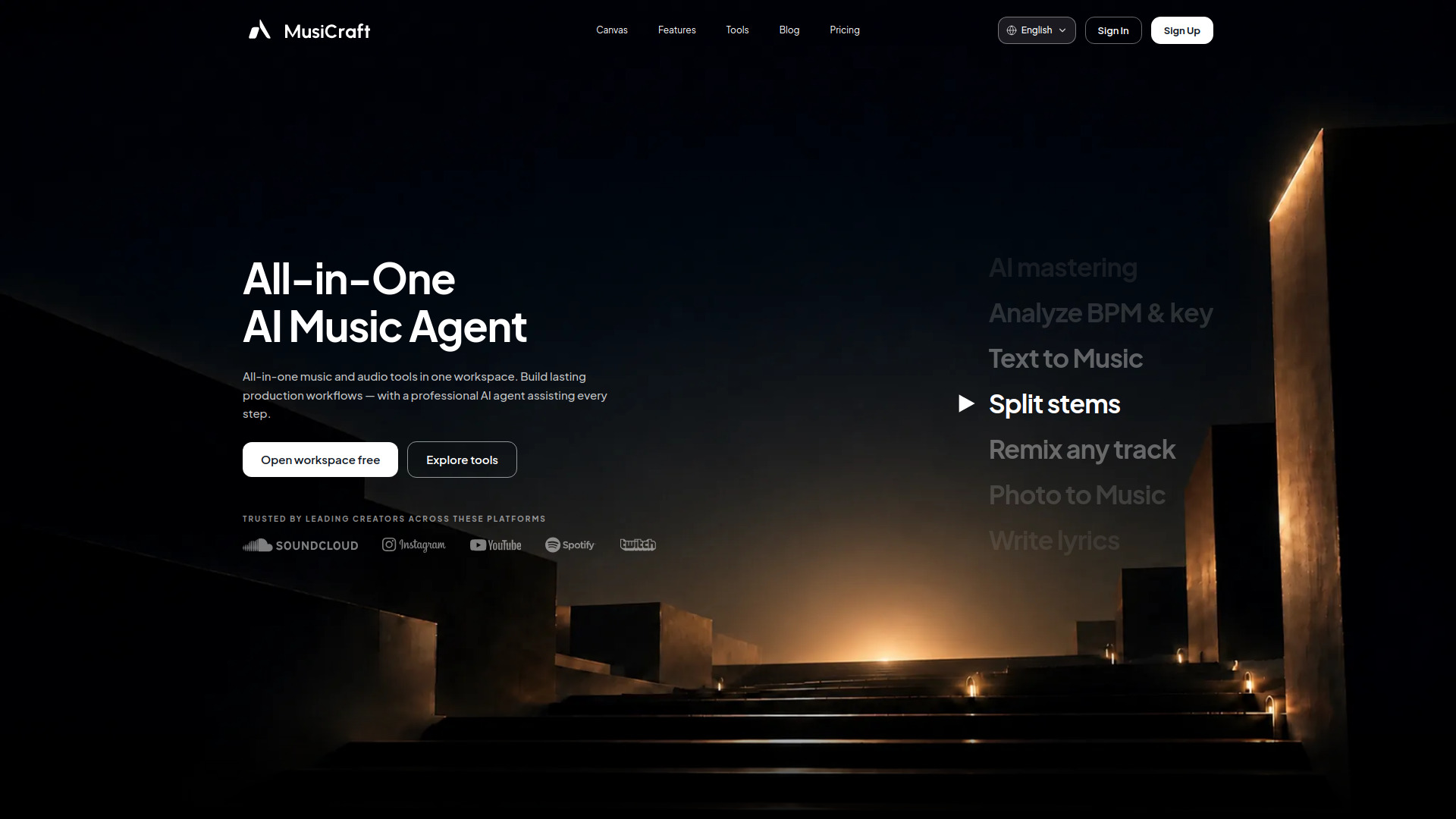
Musicraft AI is an all-in-one music and audio workspace that uses a professional AI agent to assist with the entire music production process. It combines multiple specialized AI models for melody, rhythm, harmony, and lyrics, orchestrated by a single agent, allowing users to control the process through natural language. The platform offers tools for generating music from text, splitting stems, remixing tracks, creating album covers, and more.
How to use Musicraft AI
- Open the workspace: Visit the Musicraft AI website and click "Open workspace free" to start.
- Generate music from text: Describe the genre, mood, and instrumentation in plain language, and the AI composes a track.
- Use additional tools: Access features like Stem Splitter, Remix, Lyrics Generator, Album Cover Maker, and Music Analysis from the workspace.
- Chain tasks: Combine multiple actions in one session, such as generating a track, splitting its stems, and creating a matching album cover.
- Export your music: Download your tracks in WAV, MP3, or FLAC formats.
Features of Musicraft AI
- Text to Music: Generate full tracks from text descriptions, with over 100 genres available.
- Stem Splitter: Isolate vocals, drums, bass, and melody with near-studio precision.
- Music Remix: Remix any track using AI.
- Photo to Music: Upload an image and get a mood-matched original track.
- AI Album Cover Maker: Create album covers for your tracks.
- Artist Logo Design: Generate logos for artists.
- Music Analysis: Analyze key, BPM, chords, and structure of a track.
- Lyrics Generator: Write full song lyrics in any language, style, or theme.
- Vocal Cloning: Clone vocals for your productions.
- AI Mastering: Master your tracks with AI.
Use Cases of Musicraft AI
- Music Production: Generate, edit, and master tracks in one workflow.
- Content Creation: Create original music for YouTube videos, Reels, TikToks, and game assets.
- Remixing and Sampling: Split stems and remix existing tracks.
- Songwriting: Generate lyrics and turn them into full tracks.
- Album Artwork: Create album covers and artist logos.
- Music Analysis: Analyze key, BPM, and structure of songs.
FAQ
What is an AI music generator? An AI music generator turns a text prompt, photo, or reference file into a fully produced audio track. Musicraft uses multiple specialized AI models orchestrated by a single agent.
Can I generate music from text for free? Yes, Musicraft lets you generate full tracks from a text description at no cost to start.
How does the Stem Splitter work? Upload any song and Musicraft's neural separation engine isolates it into individual stems—vocals, drums, bass, and melody—with near-studio precision.
Are AI-generated tracks royalty-free for commercial use? All tracks generated under a Professional tier license are fully cleared for commercial distribution, streaming, sync licensing, and monetization.
How is Musicraft different from Suno or Udio? Musicraft is an agent, not just a generator. It connects multiple tools in one workflow, allowing you to chain tasks in natural language.
Can I use Photo to Music for YouTube or social content? Yes, the output is fully original and royalty-free, making it ideal for YouTube videos, Reels, TikToks, and game assets.
What audio formats does Musicraft export? Musicraft exports WAV (24-bit, 44.1 kHz), MP3 320 kbps, and FLAC.
Can Musicraft generate song lyrics? Yes, the Lyrics Generator writes full song lyrics in any language, style, or theme, and connects directly to the music generation workflow.