LogoTopAIHubs
icon of Nano Banana 2 Tool

Nano Banana 2 Tool

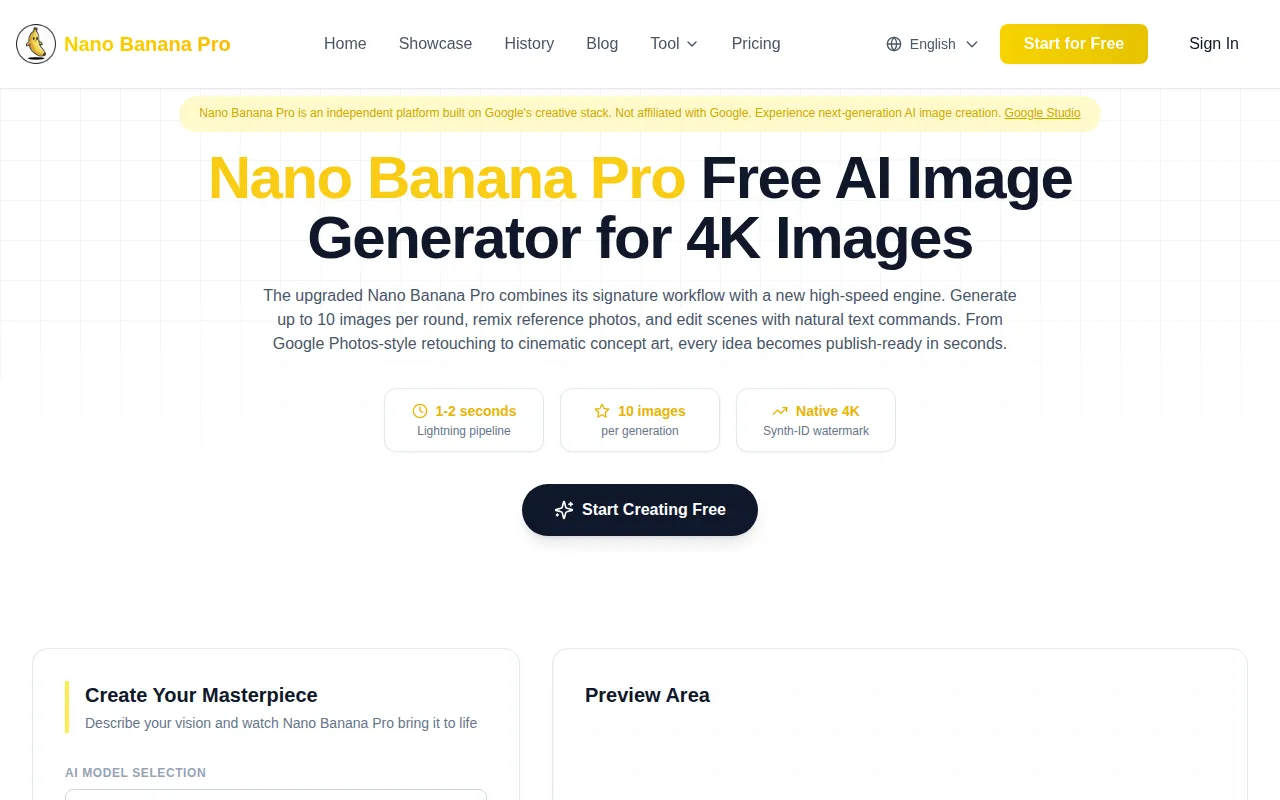
Nano Banana Pro: lightning-fast 4K AI image generator with batch outputs and real-time edits.

Introduction

What is Nano Banana 2 Tool

Nano Banana Pro is an upgraded creative engine that generates 4K images in 1-2 seconds. It allows users to turn prompts or photos into professional-grade outputs instantly, combining a signature workflow with a high-speed engine. The tool can generate up to 10 images per round, remix reference photos, and edit scenes using natural text commands.
How to use Nano Banana 2 Tool
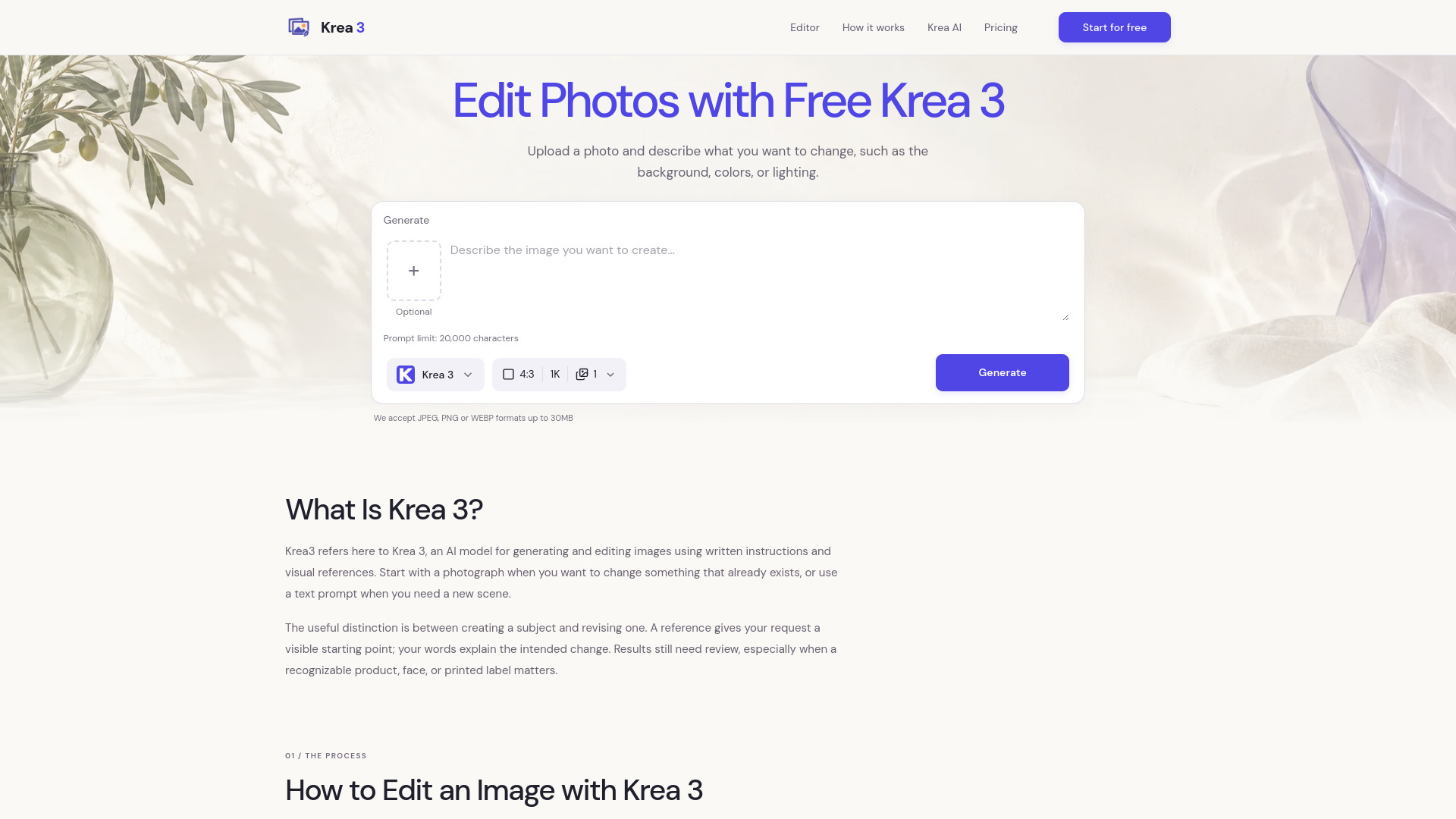
  1. Describe Your Vision: Enter prompts or upload reference images. For example, "Transform this portrait into a Renaissance oil painting with golden hour lighting." The tool accepts both text and image inputs.
  2. Pick Mode & Batch Size: Select image quality (2K or 4K) and choose to generate up to 10 outputs. Users can also select modes for photo editing, blending shots, or generating new concepts.
  3. Iterate in Real Time: Refine generated images using natural language commands such as "add snowfall," "move the camera overhead," or "fix the smile." The tool allows for instant downloads with Synth-ID protection and continuous iteration.
Features of Nano Banana 2 Tool
  • Lightning-Fast Generation: Produces 4K images in 1-2 seconds.
  • Batch Outputs: Generates up to 10 images per round.
  • Real-time Edits: Allows for natural language editing and refinement.
  • 4K Resolution: Offers native 4K image generation.
  • Synth-ID Watermarking: Provides authenticity and traceability for generated images.
  • Data-Grade Intelligence: Handles mathematical problems, data visualization, and multilingual content accurately.
  • Multi-Layer UI Intelligence: Generates realistic UI elements, app flows, and marketing sites with brand consistency.
  • Character Consistency: Maintains character identity across different views, poses, and iterations.
  • Commercial-Grade Creative: Produces professional advertising quality with cinematic lighting and lens accuracy.
  • Precision Control: Follows multi-part prompts for specific details like time, levels, typography, and camera metadata.
  • Cross-Platform Access: Available on desktop, mobile, and tablet.
Use Cases of Nano Banana 2 Tool
  • Anime & Character Art: Creating scenes, portraits, and original IP with consistent character details.
  • UI & Interface Design: Mocking up OS screens, app flows, and marketing sites for product decks and inspiration.
  • Realistic Photography: Generating lifelike portraits, lifestyle shots, and product images with voice-driven edits.
  • Infographics & Diagrams: Visualizing data, proofs, timelines, and flowcharts with accurate text and layouts.
  • Educational Content: Creating visual aids for courses, textbooks, and research presentations.
  • Marketing & Advertising: Producing ad campaigns, social media content, and e-commerce visuals.
  • Video Storyboarding: Generating frames for visual storytelling and video overviews.
Pricing
  • Free Tier: Start creating with daily credits. Personal use only.
  • Creator Plan: $19.9/month. Includes 4K access, 10-image bursts, and commercial use.
  • Pro Plan: $49.9/month. Includes all Creator plan features plus advanced capabilities.
  • Credits are used per generation (2K: 2 credits, 4K: 5 credits) and do not expire.
FAQ
  • What is Nano Banana Pro? Nano Banana Pro is an AI creative engine that generates 4K images, edits photos, and creates various visual content in 1-2 seconds using text prompts or image references.
  • How is it different from Midjourney or DALL-E? Nano Banana Pro offers faster generation (1-2 seconds), native 4K output, perfect text rendering, and natural language editing, without requiring Discord bots or complex prompt engineering.
  • What can I create? You can create photo edits, outfit swaps, UI mockups, anime scenes, infographics, diagrams, storyboards, and more, covering realistic, anime, UI/OS, handwriting, and abstract styles.
  • Will my images look AI-generated? Nano Banana Pro aims for production realism with Synth-ID watermarking for authenticity. Iterative editing allows for fine-tuning to achieve desired results.
  • What are credits? Credits are used to generate images (2K costs 2 credits, 4K costs 5 credits). Free users get daily credits, while paid plans offer more credits and features. Credits do not expire.
  • Can I use images commercially? Paid plan subscribers receive full commercial licenses for generated images. Free tier images are for personal use only.
  • How much does it cost? A free tier is available with daily credits. Paid plans start at $19.9/month for the Creator plan and $49.9/month for the Pro plan.

Newsletter

Join the Community

Subscribe to our newsletter for the latest news and updates