What is ObjectRemover
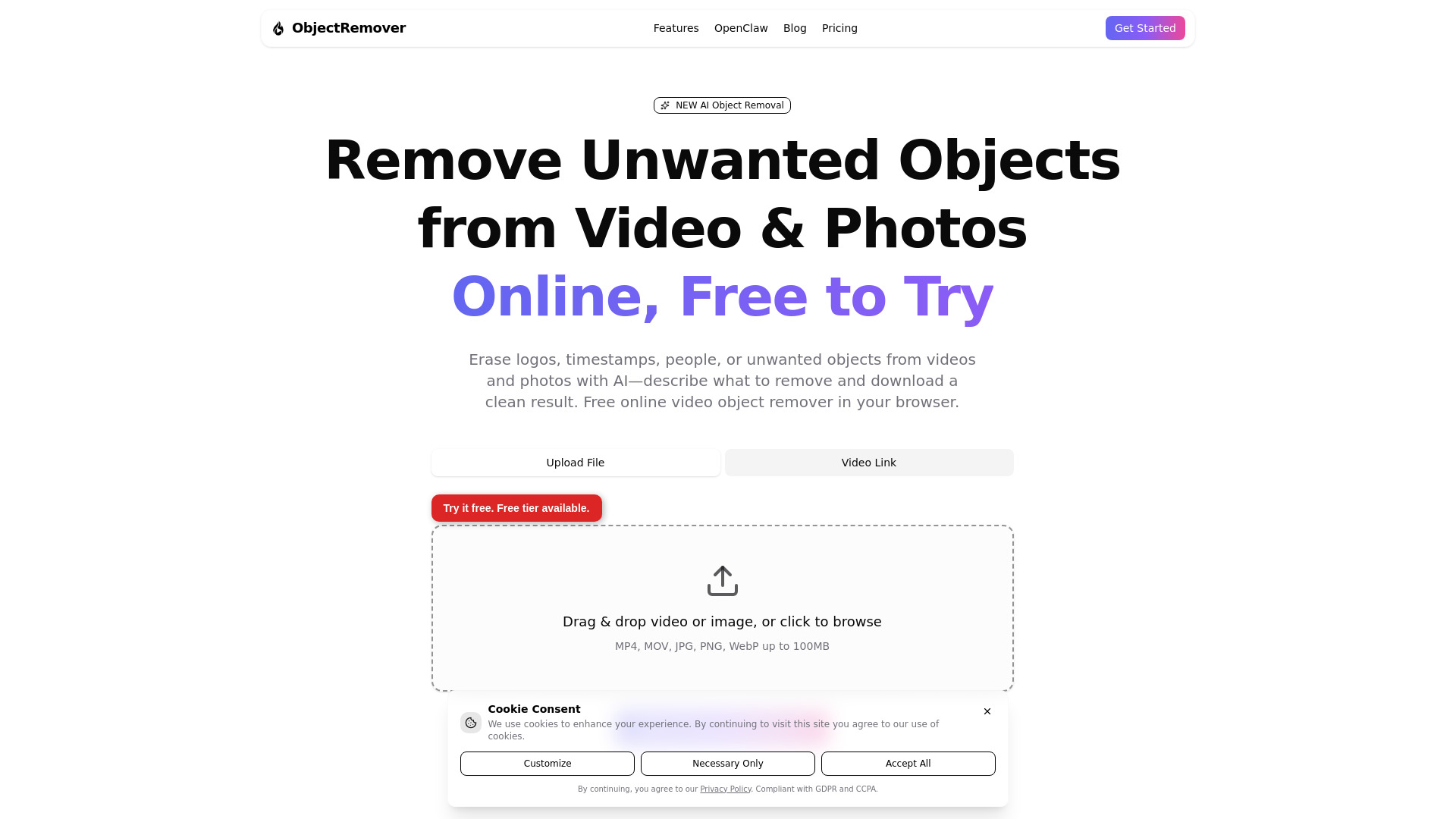
ObjectRemover is a browser-based AI tool that removes unwanted objects, people, logos, and other distractions from videos and photos. It uses advanced AI models, including geometry-aware segmentation and inpainting, to analyze media and restore the background after removal. The tool is free to try and supports MP4/MOV videos and JPG/PNG/WebP images.
How to use ObjectRemover
- Upload media: Drag and drop or browse to upload an MP4/MOV video or a JPG/PNG/WebP photo (up to 100MB).
- Select object: Use the AI Agent to describe what to remove or extract—people, unwanted objects, logos, or clutter—in natural language.
- Get result: Preview the processed video or image and download the clean result.
Features of ObjectRemover
- AI Object Removal: Erase logos, people, unwanted objects, or clutter from videos and photos in seconds.
- AI Object Extraction: Extract subjects from video (with alpha) or photos (transparent PNG) for use in editing software.
- AI Agent Selection: Use natural language to select objects—just tell the AI what to remove or extract.
- Geometry-Aware AI: Understands categories (e.g., all penguins), tracks objects across frames for video, and aligns masks to full-resolution images.
- Browser-based: No desktop install required; works directly in your browser.
- Free tier: Available for trying the service without payment.
Use Cases of ObjectRemover
- Remove strangers or photobombers from background footage.
- Clean up travel videos by removing unwanted people.
- Erase logos, signs, and on-screen clutter from videos.
- Remove license plates or other identifying details from footage.
- Extract subjects from videos or photos for use in editing projects.