What is PhotoCat AI Image Extender
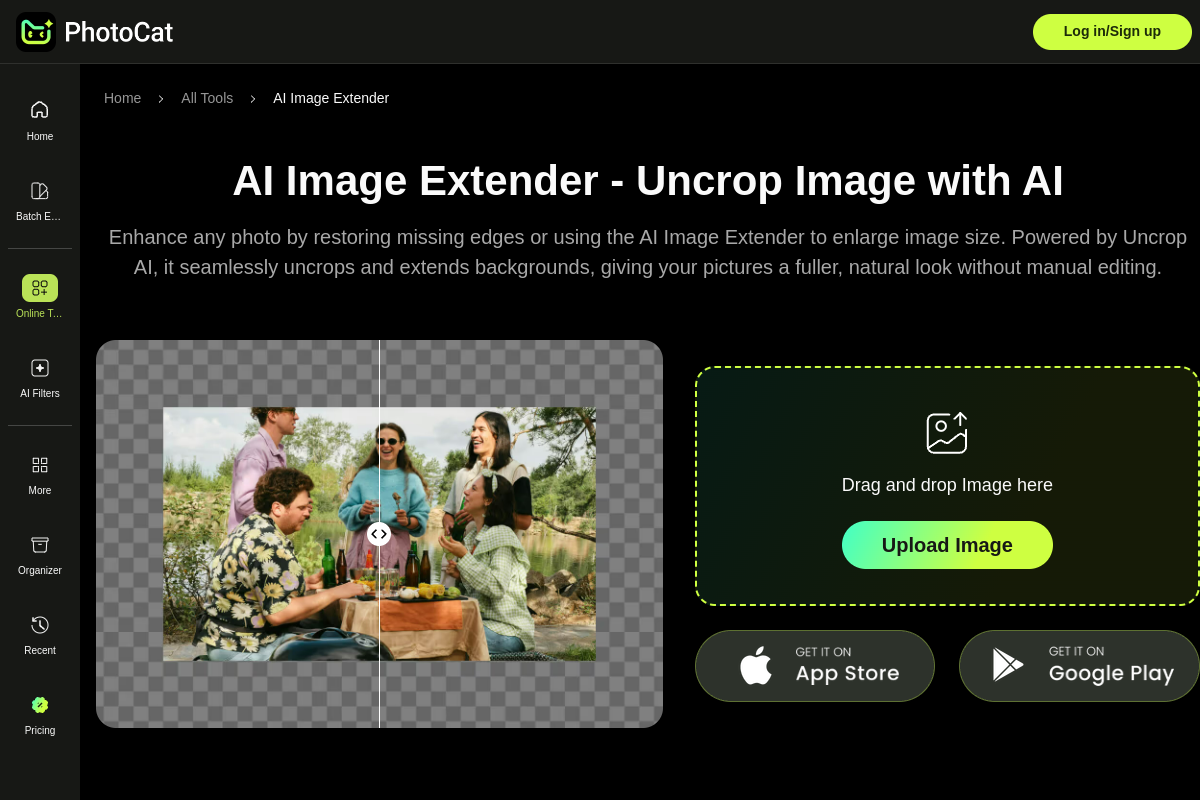
PhotoCat's AI Image Extender is an online tool that uses generative AI to naturally extend and enlarge photos without distortion or watermarks. It allows users to uncrop images cleanly, expanding backgrounds to give pictures a fuller, more natural look.
How to use PhotoCat AI Image Extender
- Upload an Image: Open the AI image extender and upload your image or drag and drop it from your gallery.
- Select the Size: Choose from 7 preset options or resize the canvas by dragging the image borders to your preferred dimensions.
- Generate and Save: Click “Generate,” let the AI process your expansion, then download your images for free.
Features of PhotoCat AI Image Extender
- AI-powered photo extension and enlargement.
- Natural expansion without distortion.
- No watermarks on final images.
- Seamlessly uncrops and extends backgrounds.
- High-quality, realistic edits.
- 4K resolution output.
- Seven preset size options for social media and other platforms.
- Ability to resize canvas by dragging borders.
Use Cases of PhotoCat AI Image Extender
- E-commerce: Enlarge product shots for compatibility with social media and to add promotional text.
- Social Media Banners: Auto-fit and expand visuals for platforms like Instagram, TikTok, and Facebook.
- Landscape Photography: Widen scenery shots to create broader, more aesthetic compositions.
- Portraits: Enhance boundaries and fill empty spaces in self-portraits or family photos.
FAQ
- Does the AI-Expanded Image Look Realistic? Yes. The tool analyzes the scene and blends new areas seamlessly, maintaining natural image quality for an authentic and consistent look.
- Which Image Size Works Best for Instagram Stories? Instagram Stories look best at 1080 × 1920 pixels. Images can be resized before uploading to ensure they display correctly.
- What Is the Difference Between an AI Image Extender and an Image Upscaler? An AI image extender adds new content around the borders to expand images. An upscaler enlarges image resolution and sharpens details without altering the composition.
- Can I Extend an Image Multiple Times? The provided content does not specify if images can be extended multiple times.
- How Long Does the AI Image Extender Take to Process? The provided content does not specify the processing time.