Newsletter
Join the Community
Subscribe to our newsletter for the latest news and updates

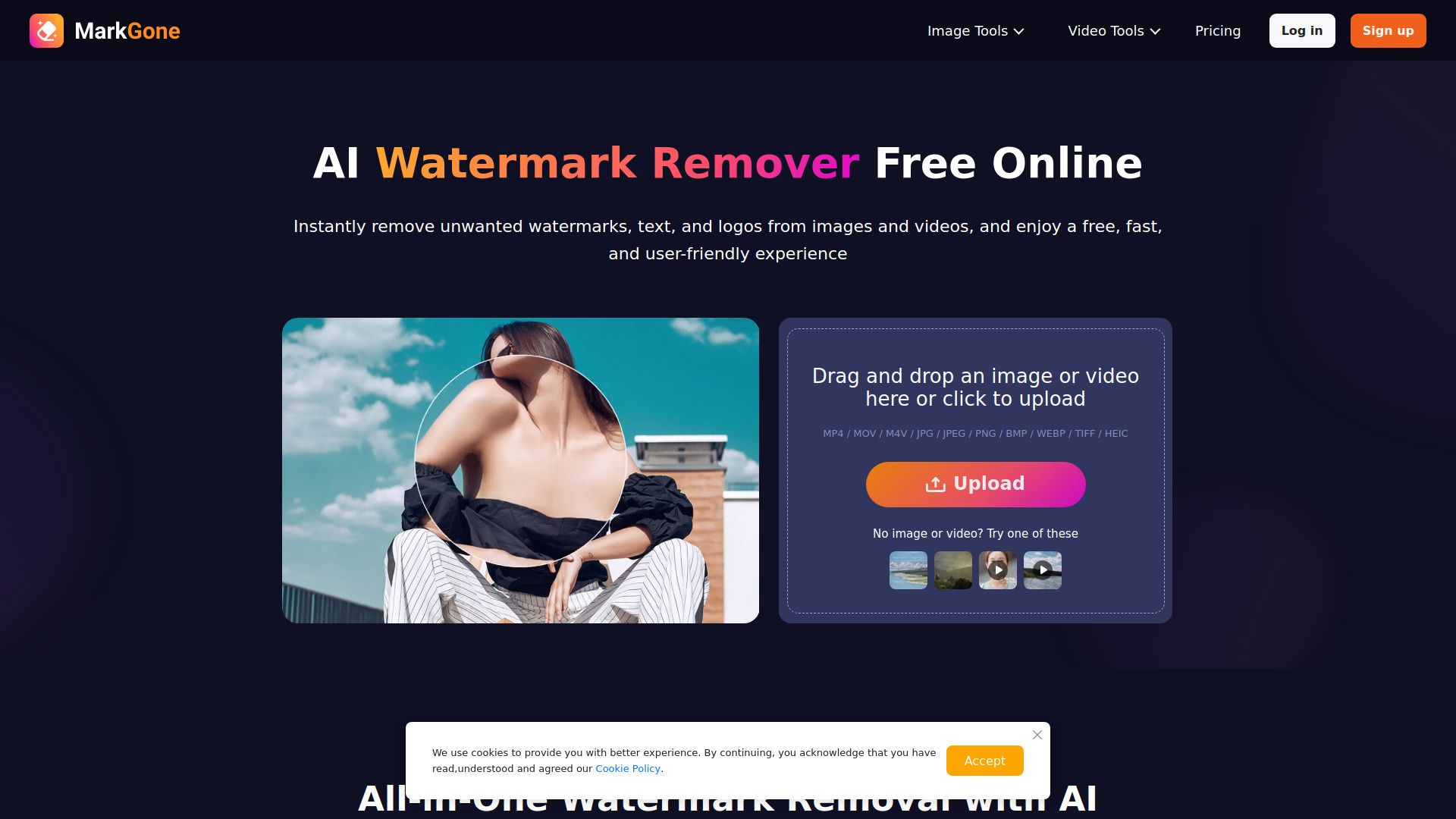
Instantly Remove Watermarks from Images & Videos with AI.
MarkGone is an AI-powered online tool designed to instantly remove watermarks from both images and videos. It aims to provide a fast, user-friendly, and high-quality experience for cleaning up media content.
How to remove watermark from image? Upload your image to the Image Watermark Remover, click Remove, and the AI will clean the watermark while maintaining original quality. No manual masking is required.
How to remove tiktok watermark? Use the TikTok Watermark Remover. Upload the clip, click Generate, and the AI will automatically remove the TikTok logo from each frame.
How to remove text from video? The Video Watermark Remover allows you to erase text like subtitles or captions by uploading the video. The AI intelligently reconstructs the background for a clean output.
What formats does RemoveWatermarks support? Supported formats include MP4, MOV, M4V, JPG, JPEG, PNG, BMP, WEBP, TIFF, and HEIC.
Are there any upload limits? Image files can be up to 20MB. Video files can be up to 300MB and 10 minutes in length.
Is RemoveWatermarks free? A limited number of free uses are available daily. Upgrading to PRO or purchasing additional credits unlocks more uses.