What is Underleaf
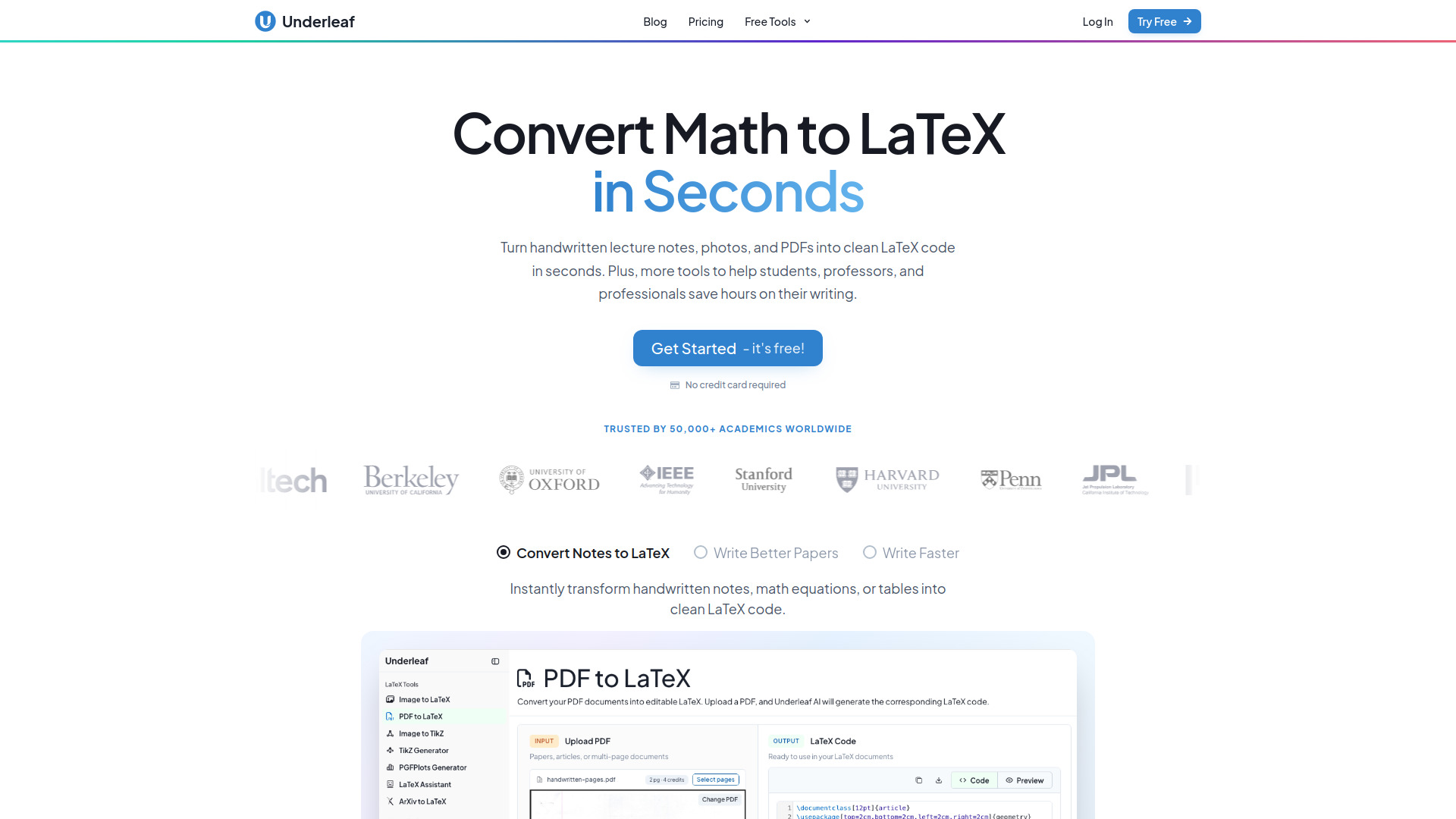
Underleaf is an AI-powered writing and LaTeX assistant designed to help students, professors, and professionals create academic papers and documents more efficiently. It offers a range of tools to convert various inputs—such as handwritten notes, images, PDFs, and screenshots—into clean LaTeX code. The platform also includes features like dark mode, citation generation, and abstract generation to streamline the writing process.
How to use Underleaf
- Sign up or log in: Visit the Underleaf app and create a free account or log in if you already have one.
- Choose a tool: Select from tools like Image to LaTeX, Excel to LaTeX, TikZ Generator, or the 3D Graphing Calculator.
- Upload or input your content: For conversion tools, upload an image, screenshot, or PDF containing math or tables. For the TikZ Generator, describe the diagram you want to create.
- Get LaTeX code: The AI processes your input and generates the corresponding LaTeX code, which you can copy or use directly in your document.
- Write and edit: Use the editor to write or refine your LaTeX document, with AI assistance for tasks like generating citations or abstracts.
Features of Underleaf
- AI-powered LaTeX conversion: Convert images, handwriting, screenshots, and PDFs to LaTeX code.
- Math OCR: Extract equations from images or handwritten notes.
- Citation generator: Automatically generate citations for your references.
- Abstract generator: Create abstracts for your papers.
- TikZ Generator: Create diagrams using AI.
- Excel to LaTeX: Convert spreadsheet data into LaTeX tables.
- 3D Graphing Calculator: Plot surfaces and equations.
- Dark mode: A comfortable viewing option for low-light environments.
- Chrome extension: Save time writing LaTeX with AI assistance directly in your browser.
Use Cases of Underleaf
- Students: Convert handwritten lecture notes into digital LaTeX documents, generate citations for papers, and create diagrams for assignments.
- Researchers: Quickly convert images or PDFs of equations into LaTeX for publications, and use the abstract generator to summarize findings.
- Professors: Prepare lecture notes and course materials with LaTeX, and use the citation generator for bibliographies.
- Professionals: Convert technical documents or spreadsheets into LaTeX format for reports or presentations.
FAQ
Q: Is Underleaf free to use?
A: Yes, Underleaf offers a free tier with no credit card required. You can get started for free.
Q: What types of files can I convert to LaTeX?
A: You can convert images, screenshots, PDFs, and handwritten notes to LaTeX code.
Q: Does Underleaf have a Chrome extension?
A: Yes, there is a Chrome extension available that helps you save time writing LaTeX with AI.
Q: Can I use Underleaf for creating diagrams?
A: Yes, the TikZ Generator allows you to create diagrams using AI.
Q: Does Underleaf support dark mode?
A: Yes, Underleaf includes a dark mode feature for comfortable writing in low-light environments.