What is veo4ai
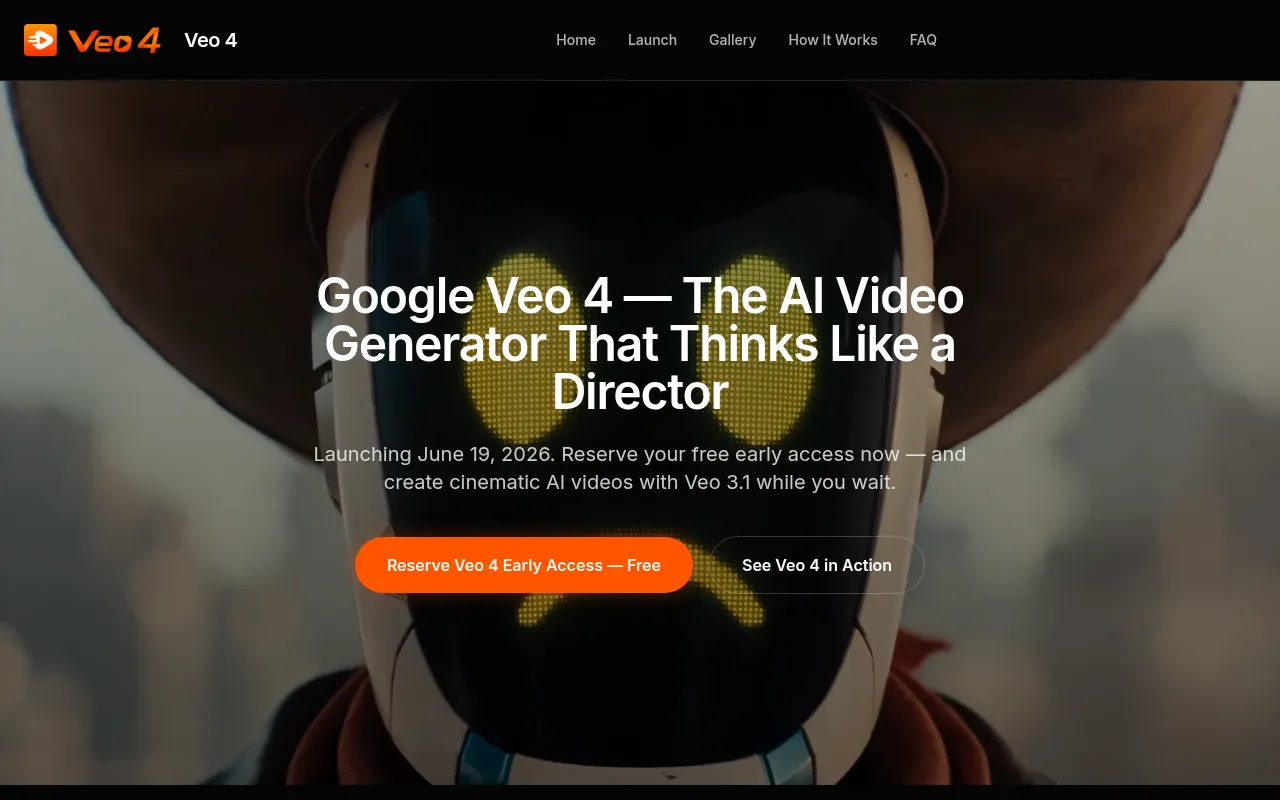
Veo 4 is an AI video generator designed to create cinematic, director-controlled videos with consistent characters and 1080p output. It aims to provide precise prompt control for generating high-quality AI videos.
How to use veo4ai
- Describe Your Shot, Not Just Your Scene: Start by detailing what the camera sees, including subject, movement, lighting, mood, and lens style. Use cinematic language for more cinematic output. A Veo 4 Prompt Guide is available to assist.
- Set Resolution, Aspect Ratio, and Duration: Choose the desired aspect ratio (16:9, 9:16, 1:1) and set the output resolution to 1080p. Specify the clip length.
- Generate, Preview, and Download: Initiate the generation process, preview the output, make prompt adjustments if needed, and download the final 1080p clip.
Features of veo4ai
- Cinematic Consistency: Generates long-form video with locked visual elements across frames using persistent world-state memory.
- Director-Level Prompt Control: Understands and executes specific cinematography language like rack focus, whip pan, and orbital drone shots.
- 1080p HD Output: Produces native 1080p video suitable for broadcast, branded content, and commercial delivery.
- 4K-Ready Quality: Delivers clean, high-framerate output that holds up on various screen sizes.
- Consistent Characters: Maintains visual consistency for characters across different scenes.
- Native Audio: Includes native synchronized audio, such as dialogue and ambient sound.
Use Cases of veo4ai
- YouTube Creators: Generating intros, title sequences, B-roll, and Shorts-ready vertical video.
- Independent Filmmakers: Pre-visualization, storyboarding, and low-budget film production support.
- Advertisers & Marketers: Creating scroll-stopping campaign visuals, product showcases, and brand stories at speed.
- Solo Designers & Visual Artists: Producing motion graphics, title cards, abstract visualizers, and cinematic pieces with style consistency.
FAQ
- When does Veo 4 launch? Veo 4 launches on June 19, 2026, at Google I/O.
- Can I use something today while I wait for Veo 4? Yes, Veo 3.1 is available now, offering the same workflow and 1080p cinematic generation.
- What makes Veo 4 different from other AI video tools? Key differentiators include cinematic consistency, director-level prompt control, native 1080p quality, character persistence, and a non-API-first workflow.
- Who is Veo 4 built for? It is built for YouTubers, independent filmmakers, advertising and marketing teams, and solo designers or visual artists.