What is Video Watermark Remover
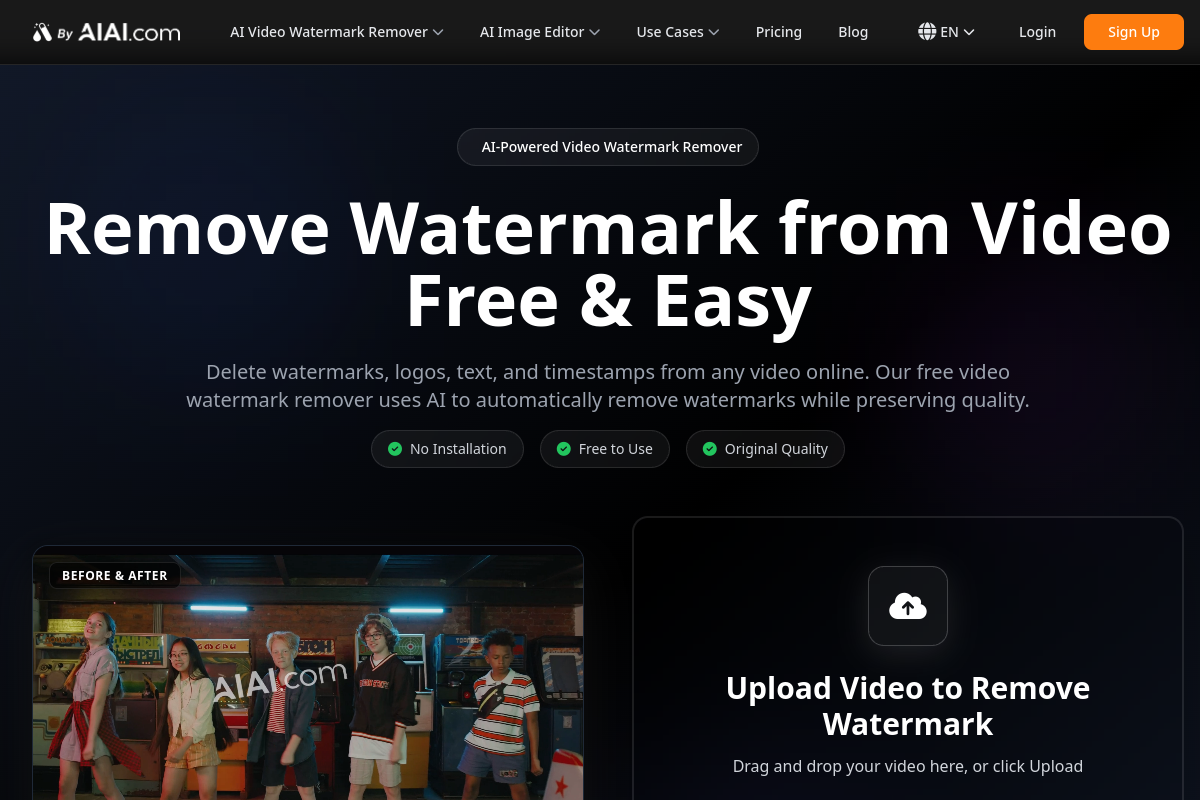
Video Watermark Remover is an AI-powered online tool designed to effortlessly remove watermarks, logos, text, and timestamps from videos while preserving their original quality. It offers a free and easy solution for cleaning up video content without requiring any software installation.
How to use Video Watermark Remover
- Upload Your Video: Drag and drop your watermarked video file into the designated area or click to upload. The tool supports various formats like MP4, MOV, M4V, and MKV.
- Wait a Moment: The AI technology will automatically detect and process the watermarks, logos, text, and timestamps within the video. This process typically takes a few minutes.
- Download the Clear Video: Once the processing is complete, download the watermark-free video in its original quality.
Features of Video Watermark Remover
- AI-Powered Detection: Advanced AI automatically identifies and removes watermarks, logos, text, and timestamps.
- Fast Processing: Watermark removal is completed within minutes.
- Quality Preservation: Maintains the original video quality without blurring or distortion.
- Stunning Removal Results: Intelligently fills in removed areas to make videos look seamless.
- Supports More Formats: Compatible with MP4, MOV, M4V, MKV, and other video formats.
- No Installation Required: A free online tool accessible via a web browser.
- Free to Use: Offers a free option for watermark removal.
Use Cases of Video Watermark Remover
- Content Creators: Remove watermarks from video clips for professional content creation.
- Marketing Teams: Delete outdated logos or watermarks from promotional videos for rebranding.
- Educators: Remove text and watermarks from educational videos for distraction-free learning materials.
- Social Media Users: Remove watermarks from platforms like TikTok or YouTube to repurpose content.
- Fix Video Editor Exports: Remove watermark stamps left by free trial editing software.
- AI Video Removal: Remove watermarks from AI-generated videos (e.g., from Sora or Kling).
Pricing
The tool operates on a credit-based system. Users receive 20 free credits upon initial registration, which is enough for approximately two 4-second videos. Discounts are available for purchasing more credits, with prices decreasing as the quantity increases. Specific pricing details are available on the pricing page.
FAQ
- How can I remove watermarks from videos for free? Register as a user and upload video clips to the online platform. The AI will automatically remove watermarks, and you can preview and download the clean video without hidden fees.
- What formats does the video watermark removal tool support? It supports popular formats including MP4, MOV, M4V, and MKV, ensuring compatibility with videos from various sources.
- How does AI remove video watermarks? The AI analyzes pixels around the watermark area in each frame and intelligently fills it with matching textures and colors for a natural and seamless result.
- Can I use this tool instead of searching for free video editing software without watermarks? Yes, you can use this tool after exporting from your preferred editor to remove any watermarks, which can be faster than learning new software.
- Can I remove watermark elements from AI-generated videos (such as from Sora or Kling)? Yes, the tool is optimized to remove watermarks from AI platforms like Kling and Sora 2, preserving video details.
- How can I remove watermarks from TikTok or YouTube videos? Upload the downloaded social media video to the platform; the AI will detect and remove the watermark.
- Will the free video watermark removal tool affect video quality? No, the tool is designed to preserve original video quality, ensuring output remains clear and sharp without blurring or distortion.
- How long does it take to remove a video watermark? For most short videos (under 2 minutes), the process is almost instantaneous due to cloud-based acceleration. Longer videos may take slightly more time.