What is AnyCap
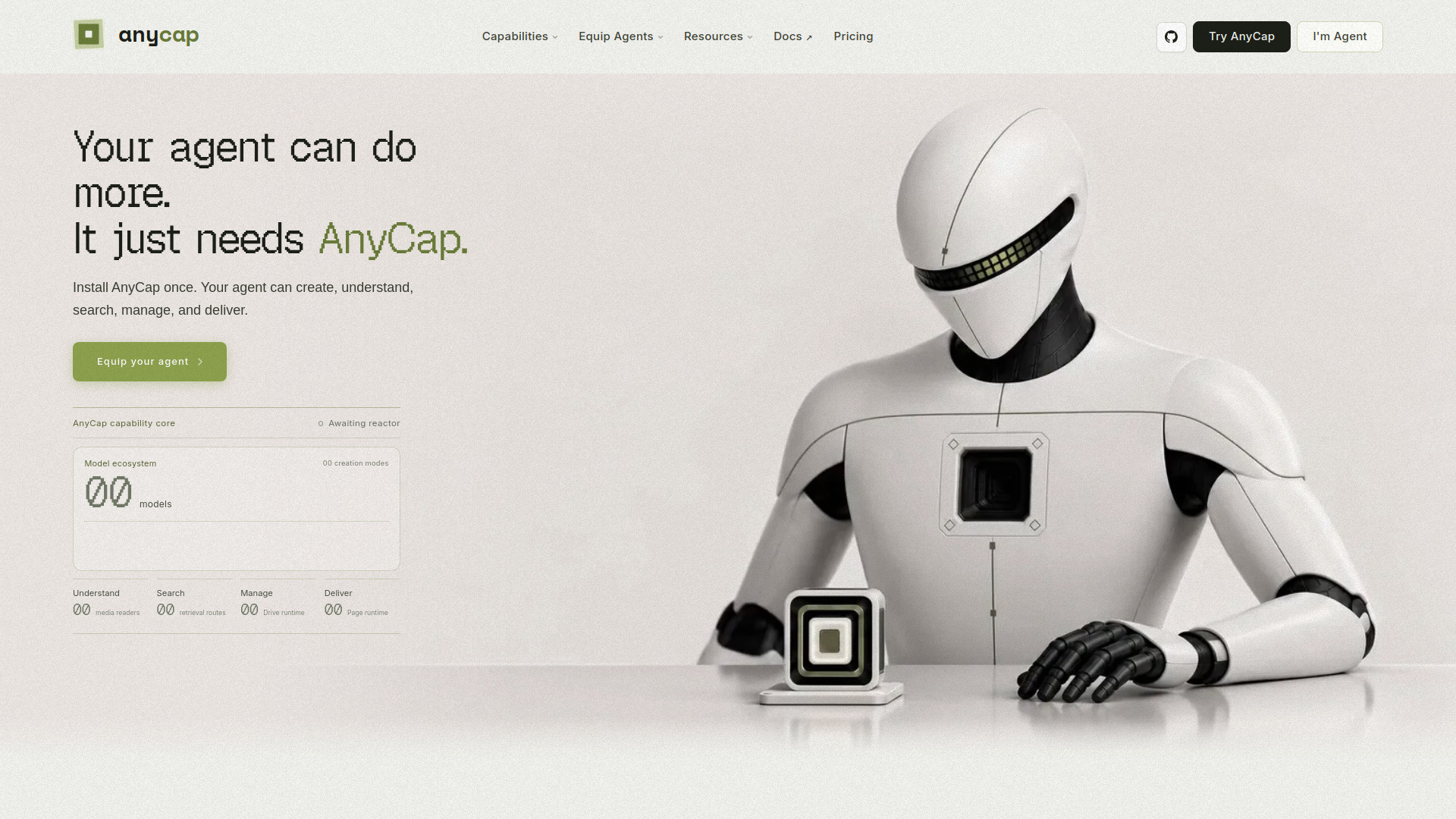
AnyCap is a unified CLI that gives AI agents one install path, one auth flow, and one command-line interface for media generation, media understanding, web retrieval, storage, and publishing workflows. It enables agents to create images, videos, music, and audio; understand images, videos, and audio; search the web; store and share outputs; and publish finished pages.
How to use AnyCap
- Install AnyCap once on your system.
- Authenticate with a single auth flow.
- Use the CLI commands to access capabilities such as image generation, video generation, music generation, audio generation, image understanding, video analysis, audio understanding, web search, grounded web search, web crawl, drive storage, and page publishing.
- Integrate AnyCap with agent tools like Claude Code, Cursor, Codex, and Manus to extend their capabilities.
Features of AnyCap
- Image Generation: Create and edit images from prompts or references.
- Video Generation: Create motion outputs from text and image inputs.
- Music Generation: Produce music tracks through one runtime.
- Audio Generation: Generate speech, dialogue, sound effects, and complete audio scenes from text, audio, or image input.
- Image Understanding: Read screenshots, diagrams, and visual references.
- Video Analysis: Inspect recordings and extract structured details.
- Audio Understanding: Transcribe and analyze voice and audio files.
- Web Search: Search the web from the same agent workflow.
- Grounded Web Search: Return synthesized answers with live citations.
- Web Crawl: Fetch pages and convert them into clean content.
- Drive: Store outputs, organize assets, and create public URLs.
- Publishing: Publish finished pages.
- Model Ecosystem: Access a wide range of models from providers like OpenAI, Google, ByteDance, Kling AI, Suno, Black Forest Labs, Alibaba Qwen, Mureka, and ElevenLabs.
Use Cases of AnyCap
- Build a launch campaign
- Turn product shots into video
- Generate campaign visuals
- Edit footage with a prompt
- Create an original soundtrack
- Read screenshots and diagrams
- Review a screen recording
- Transcribe customer interviews
- Research a market with citations
- Crawl a competitor site
- Store and share every output
- Publish a finished page
FAQ
What is AnyCap? AnyCap is a unified CLI that provides AI agents with capabilities for media generation, understanding, search, storage, and publishing.
Which agents are supported? AnyCap can be integrated with Claude Code, Cursor, Codex, and Manus.
What models are available? AnyCap supports models from providers such as OpenAI, Google, ByteDance, Kling AI, Suno, Black Forest Labs, Alibaba Qwen, Mureka, and ElevenLabs, including GPT Image 2, Gemini Omni Flash Preview, Seedance 2.0, Kling 3.0, Suno V5.5, Sora 2 Pro, Veo 3.1, Nano Banana Pro, Seedream 5, FLUX.1 Kontext Max, Qwen Image, Mureka V8, ElevenLabs Music, and Doubao Seed Audio 1.0.
How do I get started? Install AnyCap once, authenticate, and use the CLI to access all capabilities.