What is kovvid ai
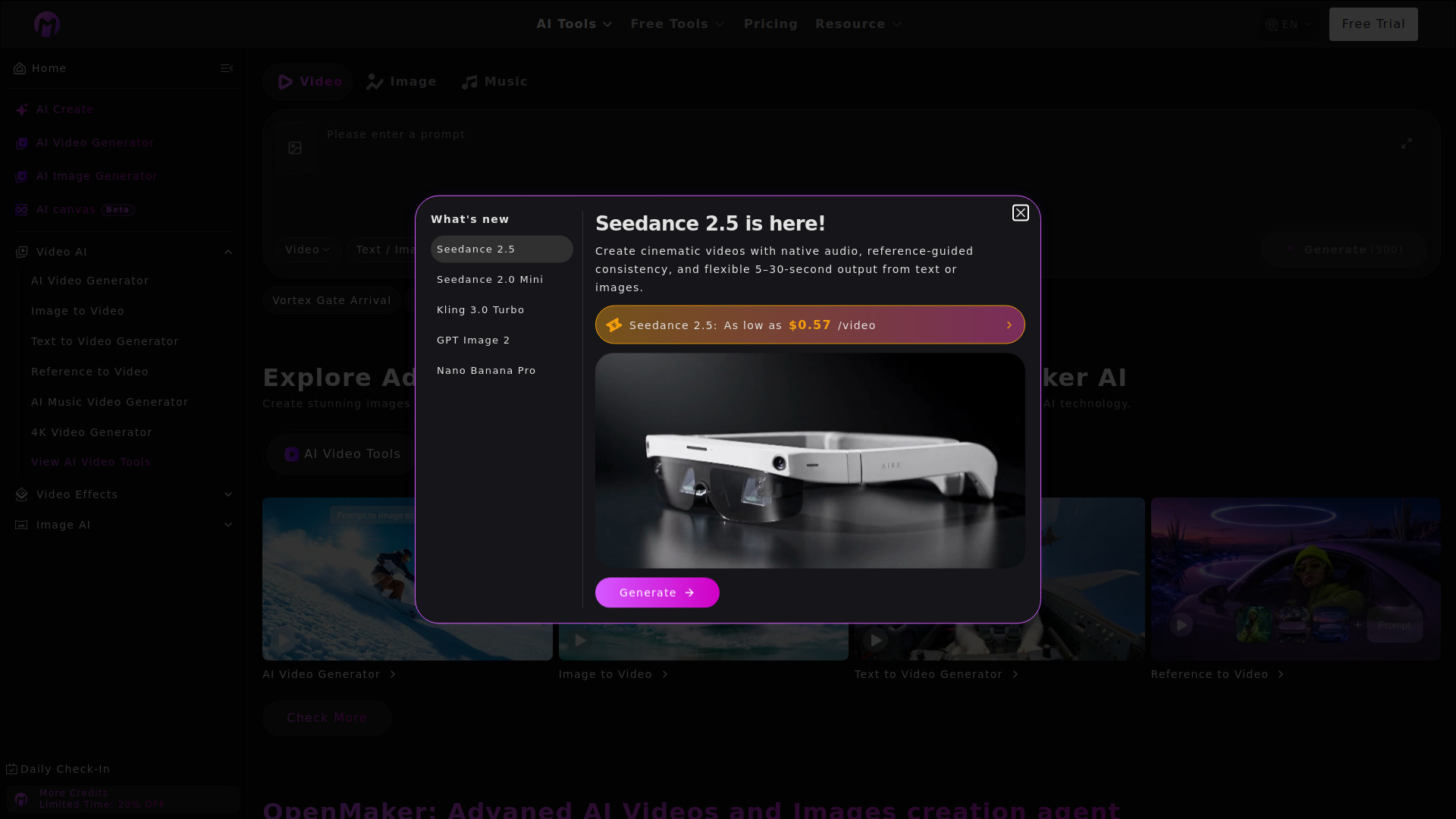
Kovvid AI is an all-in-one AI platform for multi-model image and video generation. It allows users to generate AI images and AI videos using various leading AI models.
How to use kovvid ai
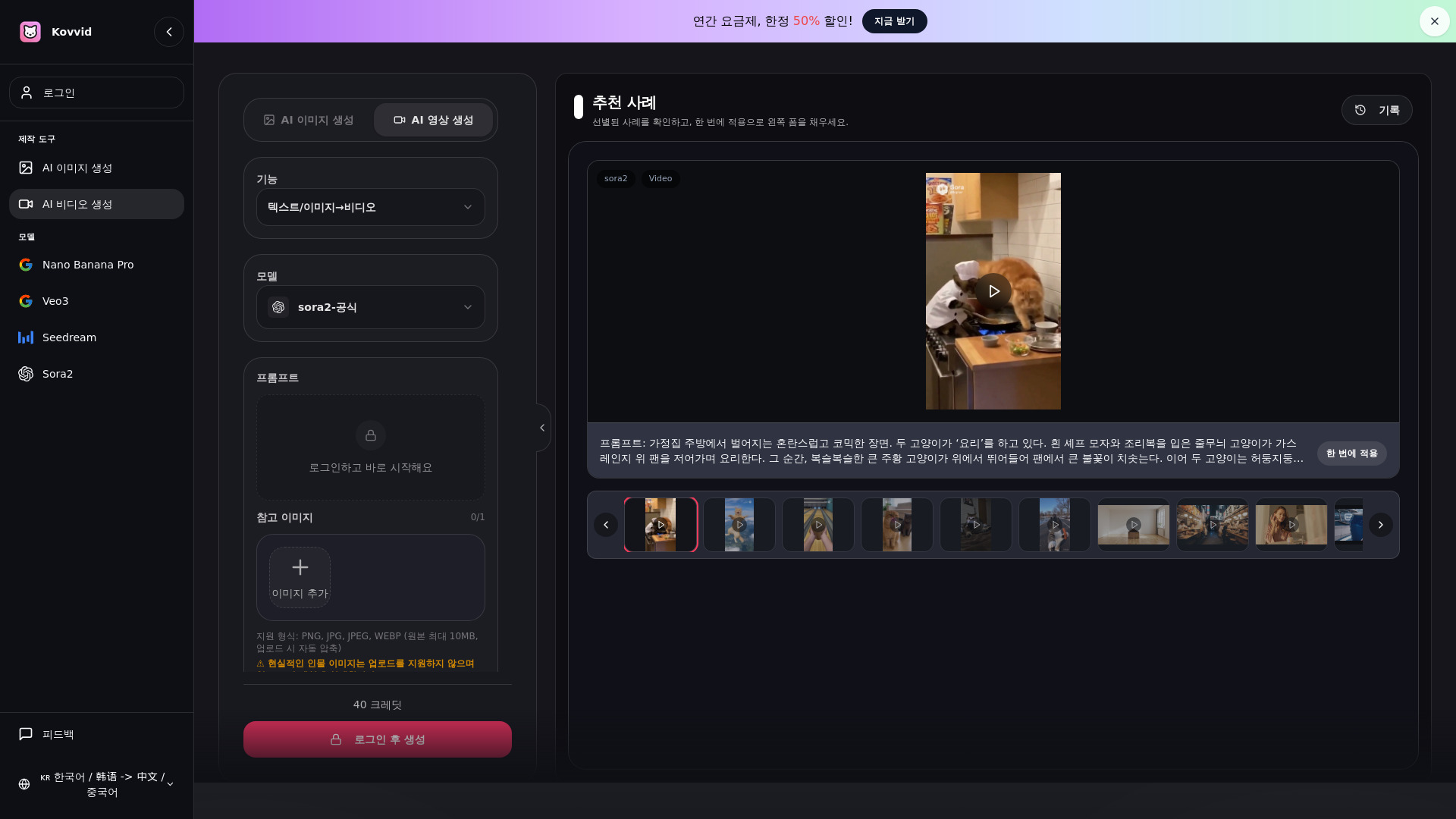
- Select a Model: Choose from available AI models like Sora 2, Veo 3, Nano Banana Pro, Seedream 4.5, or Kling AI.
- Input Prompt: Describe the desired image or video in text, or upload a reference image for image-to-image or image-to-video generation. For video generation, you can also specify the first and last frames.
- Generate & Download: Click to generate. Kovvid AI will create the content in 1-2 minutes. Review the results and download your preferred output without watermarks.
Features of kovvid ai
- Multi-Model Support: Access to leading AI models including Sora 2, Veo 3, Nano Banana Pro, Seedream 4.5, and Kling AI.
- Text-to-Image Generation: Create images from text descriptions.
- Image-to-Image Generation: Transform existing images based on prompts or styles.
- Text-to-Video Generation: Generate videos from text prompts.
- Image-to-Video Generation: Create videos from static images.
- First-Last Frame Video Generation: Control the start and end frames for precise video creation.
- High Resolution: Supports up to 4K image generation with models like Nano Banana Pro and Seedream 4.5.
- Commercial Use: Generated content is safe for commercial use for paid plan users.
- Free Trial: Offers free credits upon signup for immediate use.
- Cross-Platform Compatibility: Accessible on any device via web browser.
Use Cases of kovvid ai
- Marketing & Advertising: Create promotional images and videos.
- Social Media Content: Generate engaging visuals for platforms like Instagram, TikTok, and YouTube.
- Product Visualization: Showcase products with realistic or stylized imagery and videos.
- Storytelling: Develop visual narratives for videos.
- Design Inspiration: Explore different artistic styles and concepts.
- Content Creation: Produce unique assets for websites, blogs, and presentations.
FAQ
- What is Kovvid AI and how does it work? Kovvid AI is an all-in-one AI platform supporting text-to-image, image-to-image, text-to-video, image-to-video, and First-Last Frame video generation. It utilizes leading AI models like Sora 2, Veo 3, Nano Banana Pro, Seedream 4.5, and Kling AI. Users input prompts or upload images, and Kovvid AI generates high-quality results in 1-2 minutes.
- Is Kovvid AI truly free? Are there hidden costs? Kovvid AI offers free credits upon signup for basic AI image and video generation. There are no hidden costs. Paid plans are available for more credits. Credits are not deducted for failed generations.
- Can I use Kovvid AI without creating an account? Some features can be tried without an account, but full access to AI image and video generation requires a free account. Sign-up is quick, especially with Google account integration, and new users receive free credits.
- Can I use AI images and videos generated with Kovvid AI commercially? Yes, paid plan users can use generated content commercially. This includes advertising, social media, product marketing, and YouTube videos. Users should also check the terms of individual AI models.
- Which AI video generation model should I choose between Sora 2 and Veo 3? Sora 2 excels in longer clips (10-15s), physics simulation, and multi-shot storytelling. Veo 3 is known for dynamic short clips and fast generation. Kling AI is recommended for First-Last Frame video generation and precise motion control. Kovvid AI allows direct comparison.
- What is the difference between Text-to-Image and Image-to-Image? Text-to-Image generates new AI images solely from text prompts. Image-to-Image uses an existing image as a reference to transform its style or composition. Both are supported by Nano Banana Pro and Seedream 4.5 on Kovvid AI.
- What is First-Last Frame video generation? This feature allows users to specify a starting and ending image, and Kovvid AI generates a video that smoothly transitions between them. It's supported by Kling AI and is useful for product demos, transformation sequences, and story transitions.
- How does Kovvid AI differ from Midjourney or DALL-E? While Midjourney and DALL-E focus primarily on AI image generation, Kovvid AI offers a comprehensive platform for both AI image and video generation (including text-to-video, image-to-video, and First-Last Frame) in one place. It also provides access to and comparison of various leading models like Sora 2, Veo 3, Nano Banana Pro, Seedream 4.5, and Kling AI.
- What kinds of AI images and videos can I create? You can create AI images in various styles (watercolor, animation, cinematic, retro, pastel) and formats (illustrations, backgrounds, logos, photos). AI videos can include short ads, product demos, YouTube content, cinematic scenes, and character animations.
- Can I use Kovvid AI on mobile devices? Yes, Kovvid AI is a web-based platform accessible on any device with a browser, including smartphones, tablets, and PCs, without needing app installation.
- How does Kovvid AI protect personal information? Kovvid AI securely handles user uploads and prompts. Paid plan users can control the visibility of their creations and opt out of community exposure. Detailed privacy policies are available.
- What is the difference between Nano Banana Pro and Seedream 4.5? Nano Banana Pro is strong for images with text, precise structures, and 4K resolution. Seedream 4.5 is optimized for photorealistic images at a reasonable cost. Both support text-to-image and image-to-image on Kovvid AI.